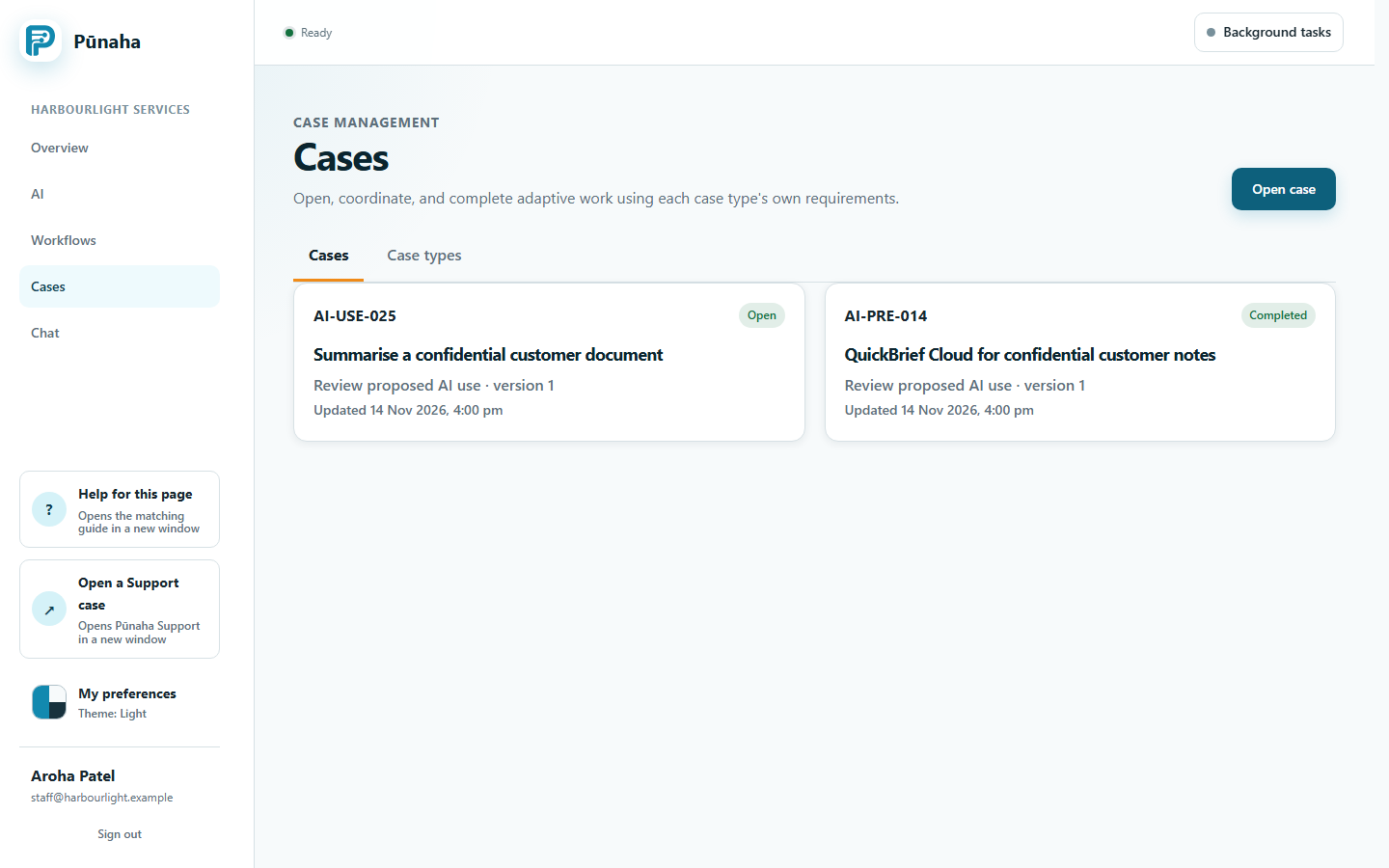
See the main screens in the installed Pūnaha 1.0.0 frontend before following a task guide.
Applies to
Version 1.0.0
Audience
New users and documentation reviewers
Last verified
These screens were captured from the installed Pūnaha 1.0.0 Ubuntu package with fictional Harbourlight practice data. The Product executable reported source revision 33f8eaabbf4579d9568dd676965a254d0e73cd28. The images show where to find controls; they do not prove a completed knowledge chat or a successful workflow run.
Sign in and find your way
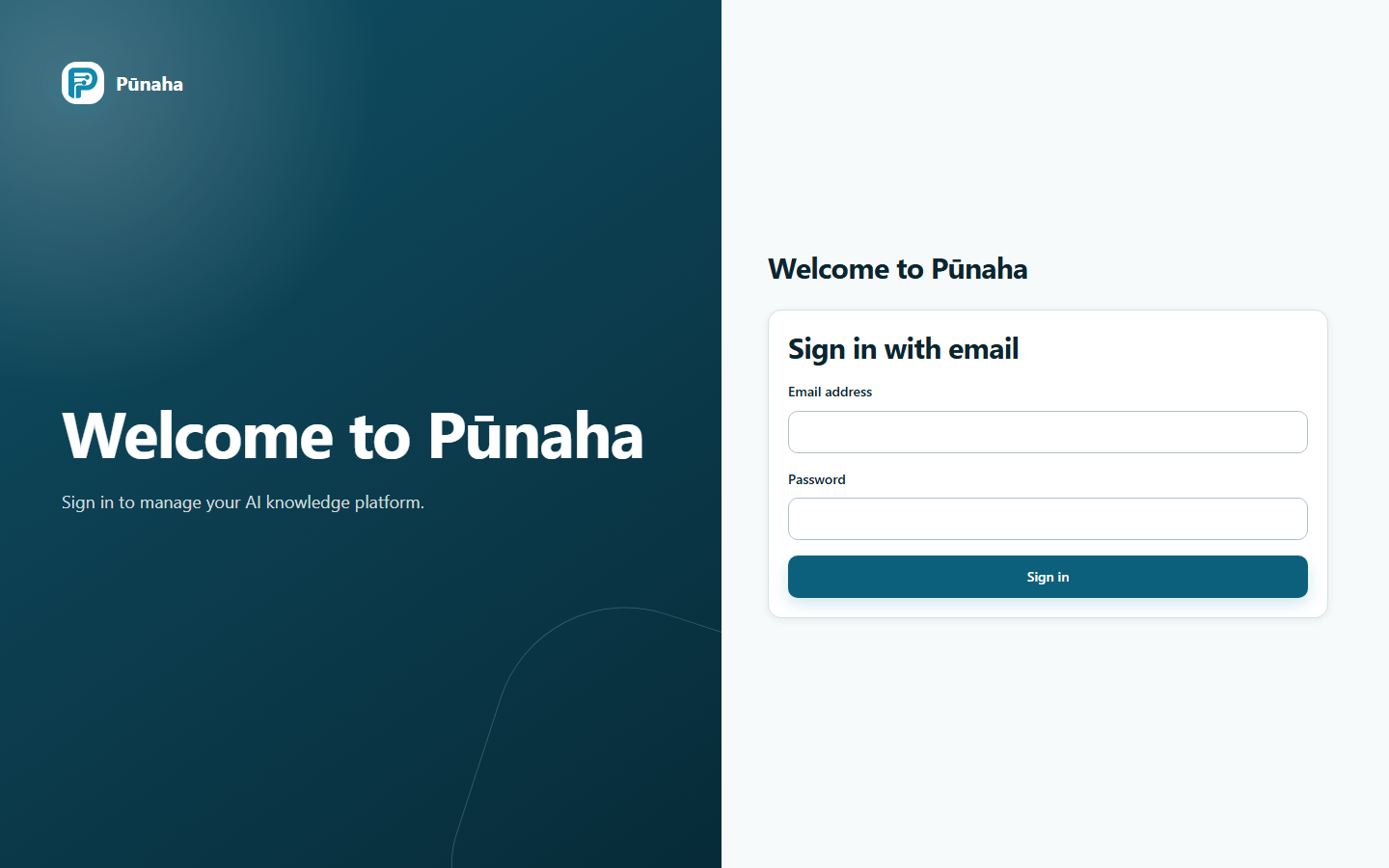
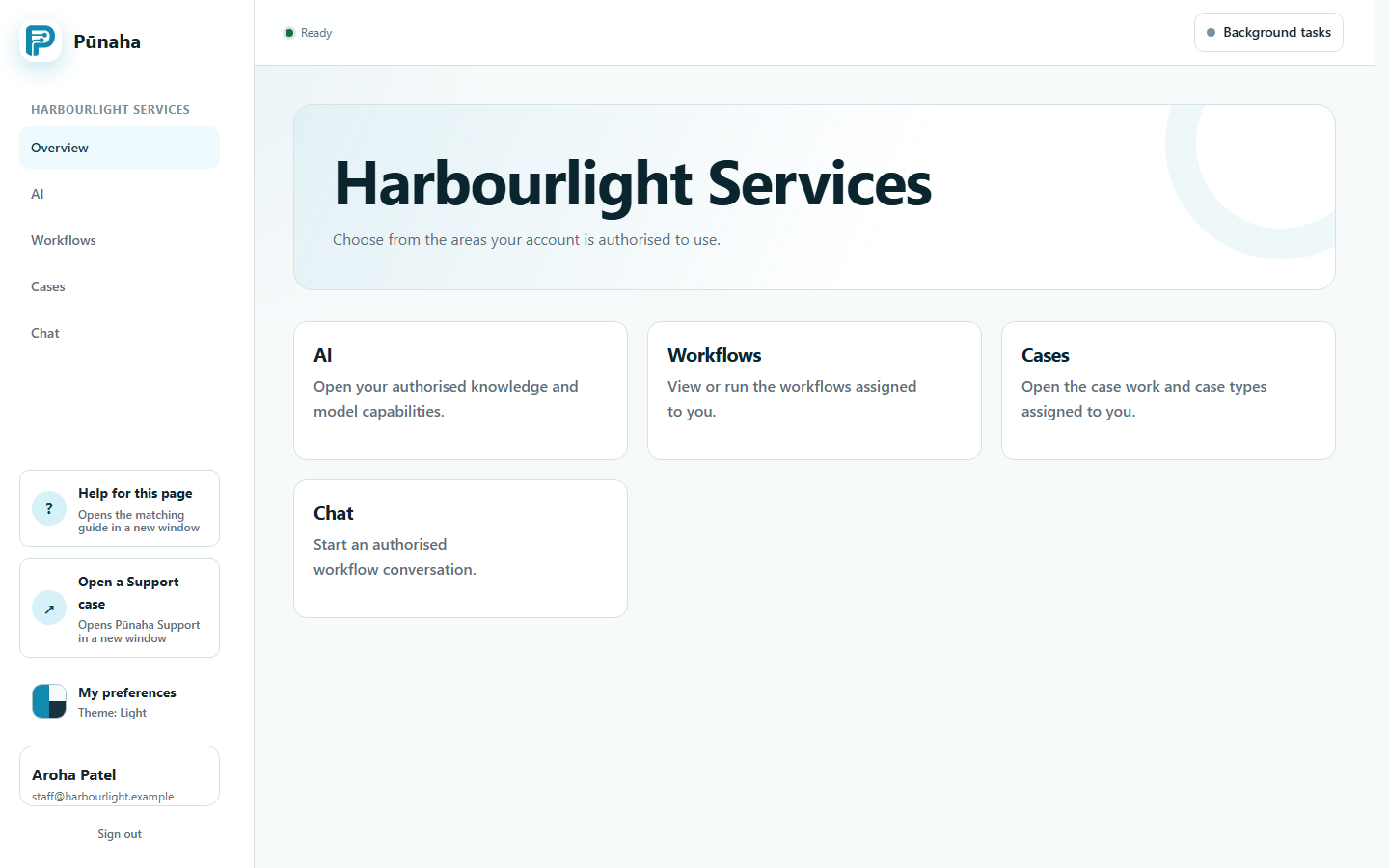
Sign in to the installation. Installed Pūnaha 1.0.0 frontend, captured in November 2026 with fictional practice data. Open the full image.Use the overview to reach the main areas. Installed Pūnaha 1.0.0 frontend, captured in November 2026 with fictional practice data. Open the full image.
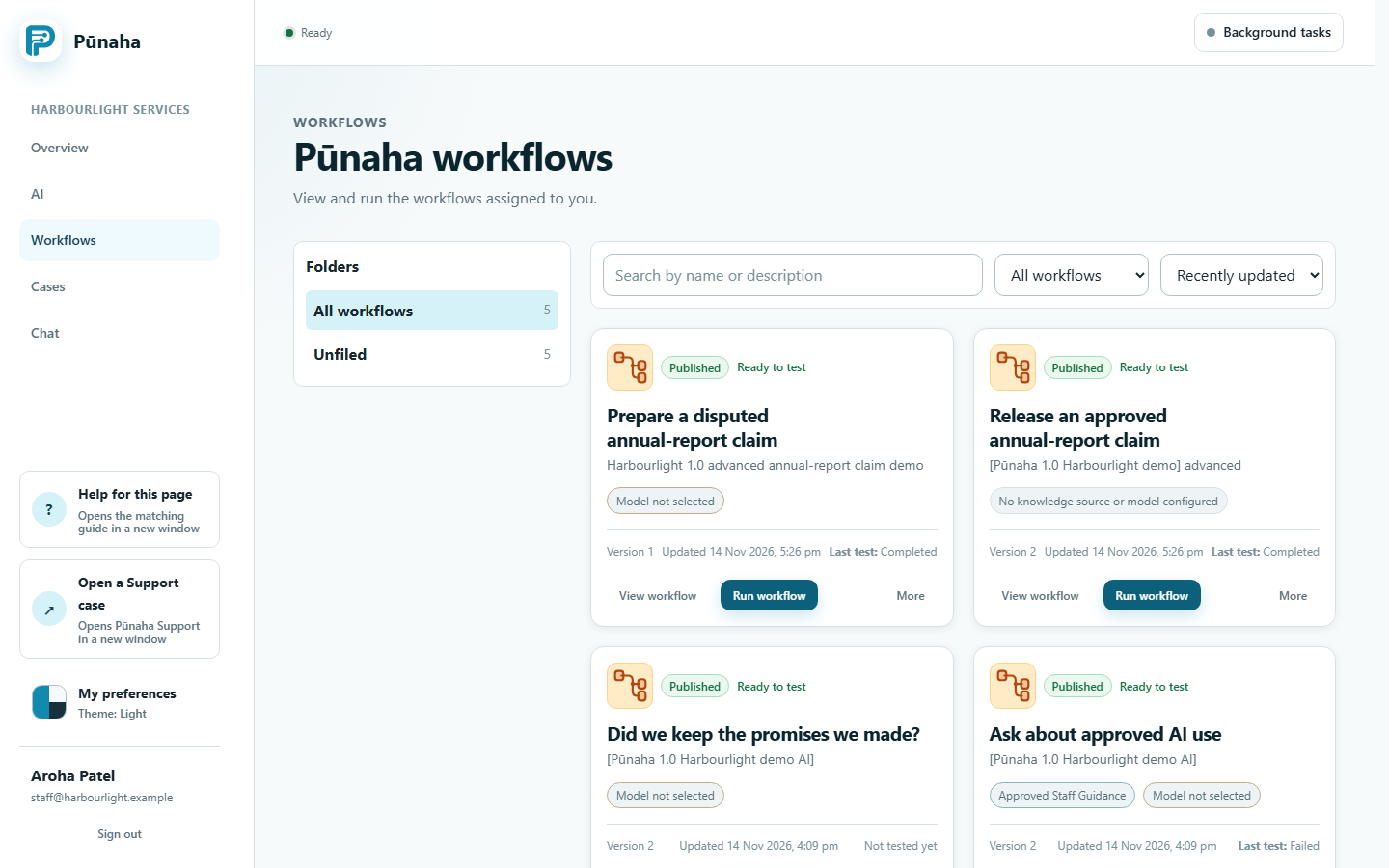
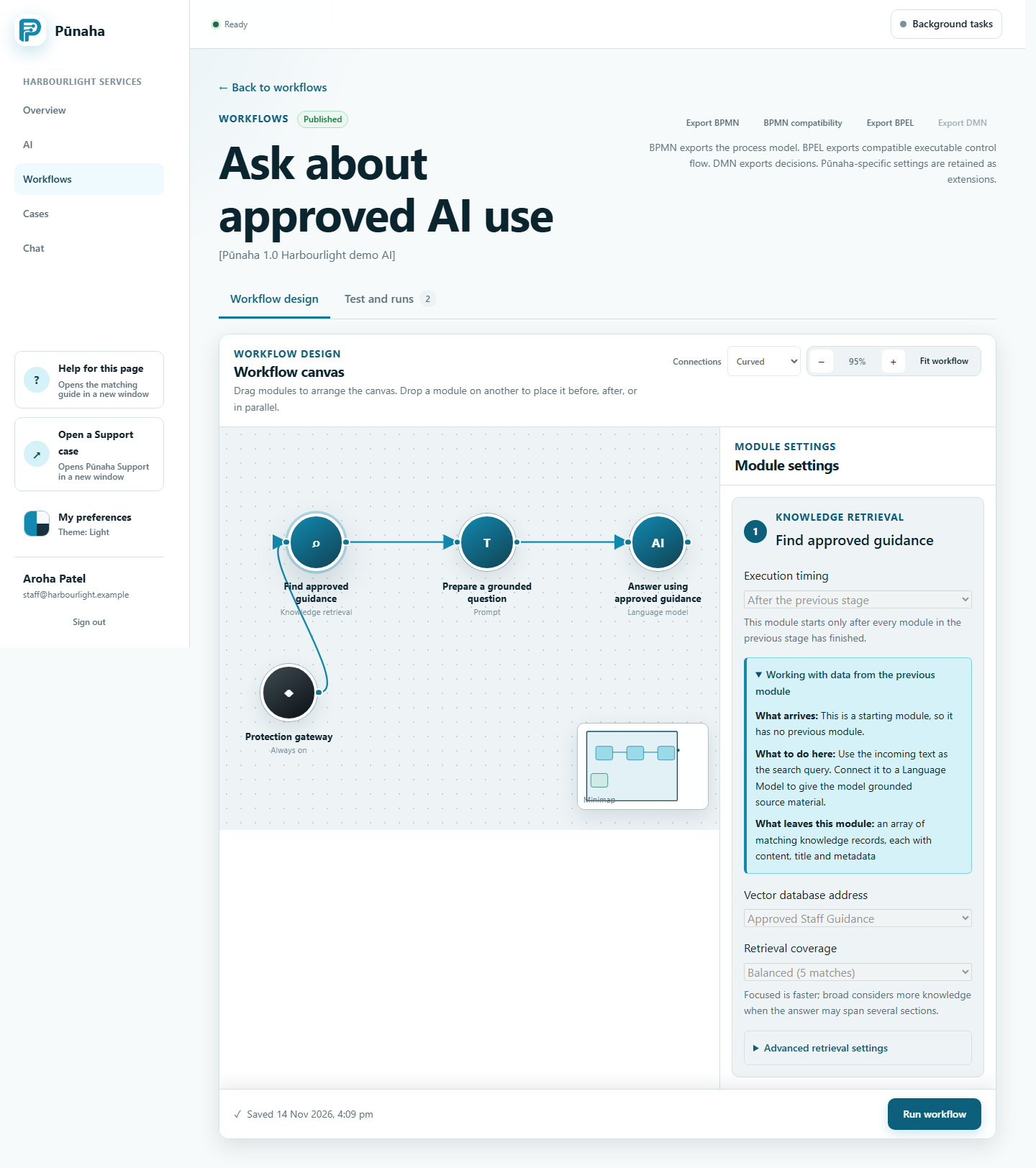
Find a workflow from the list. Installed Pūnaha 1.0.0 frontend, captured in November 2026 with fictional practice data. Open the full image.Inspect the steps and their connections. The image does not show a successful run. Installed Pūnaha 1.0.0 frontend, captured in November 2026 with fictional practice data. Open the full image.
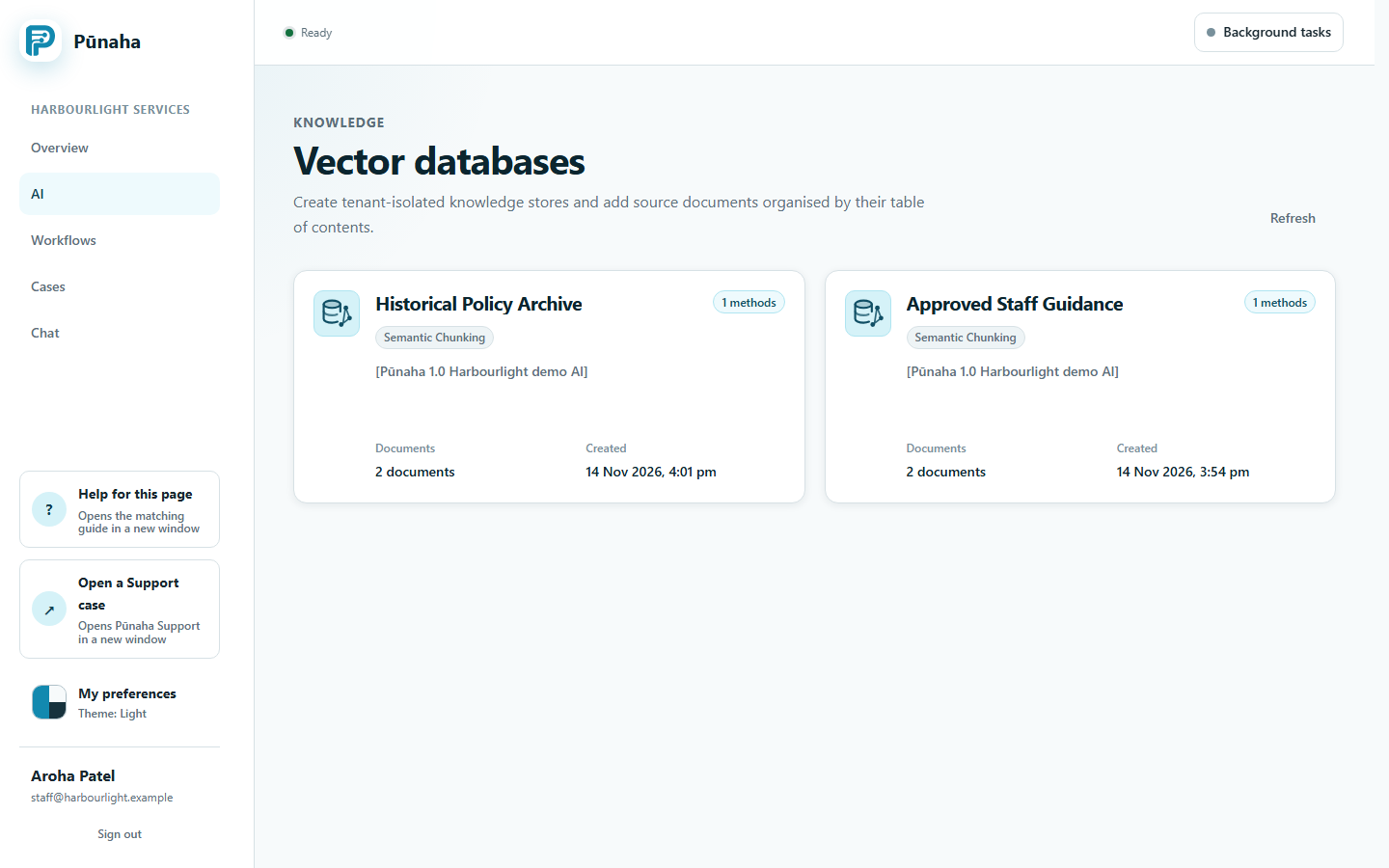
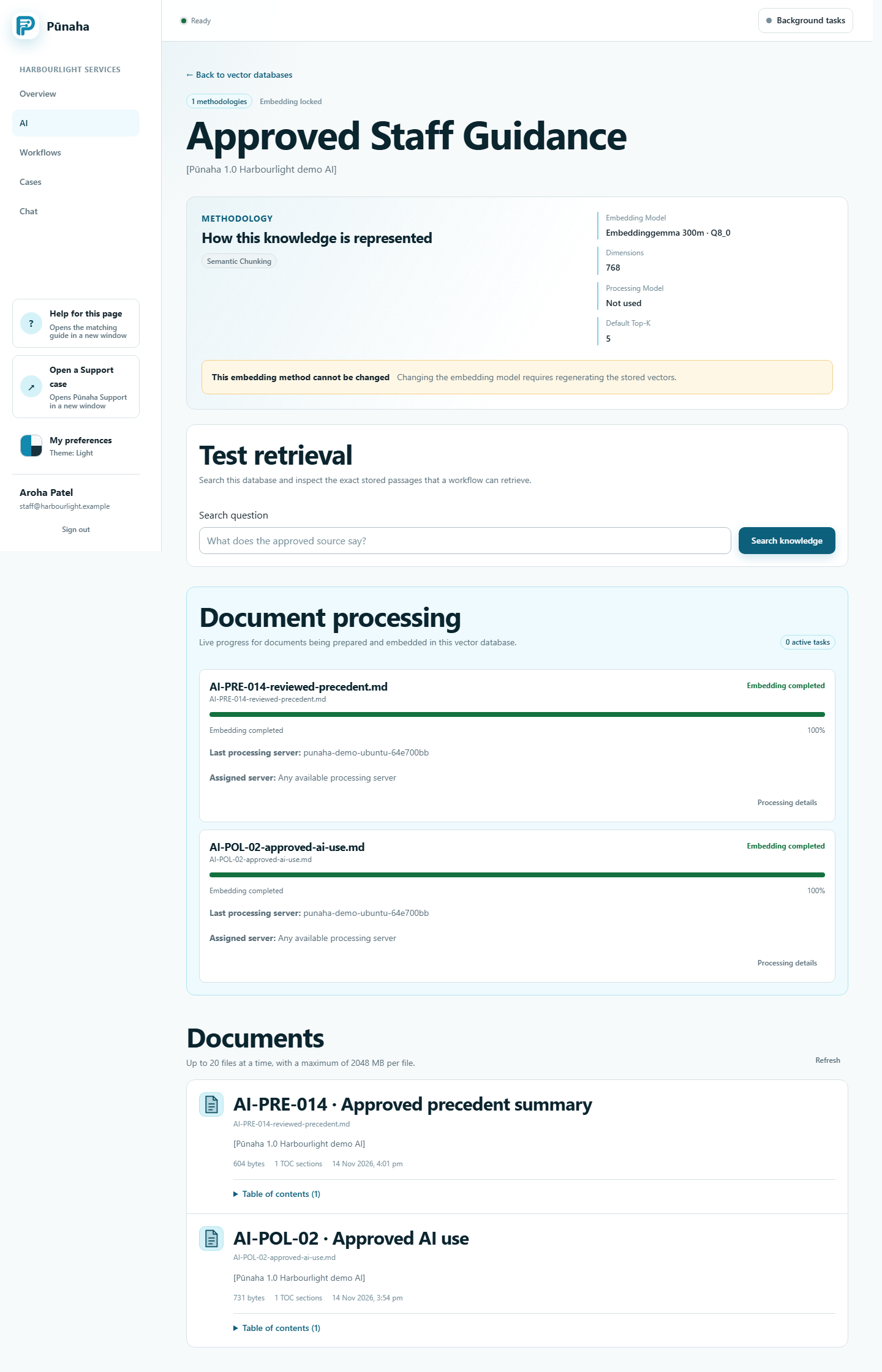
Find the knowledge databases. Installed Pūnaha 1.0.0 frontend, captured in November 2026 with fictional practice data. Open the full image.Inspect the selected database and its documents. Installed Pūnaha 1.0.0 frontend, captured in November 2026 with fictional practice data. Open the full image.
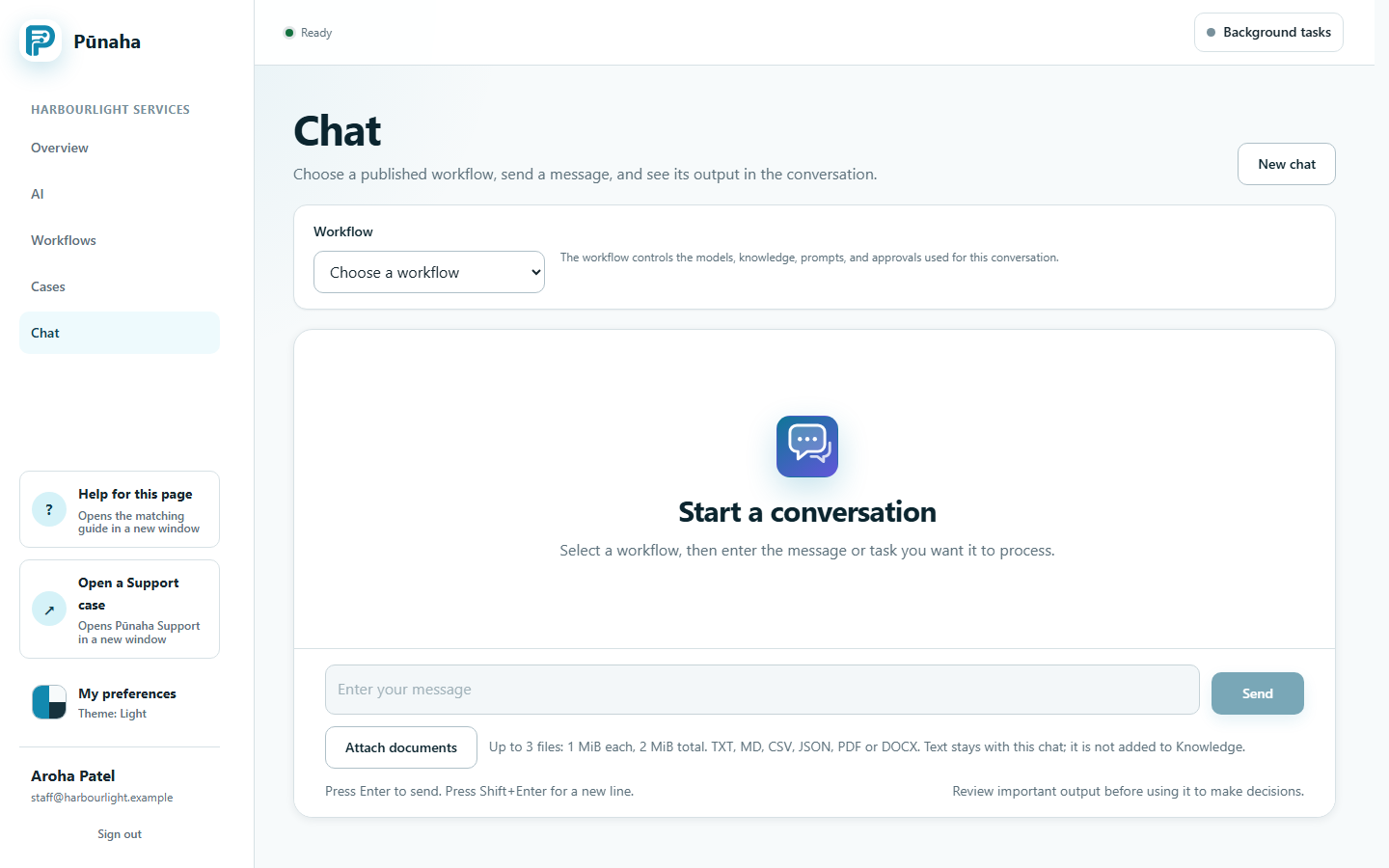
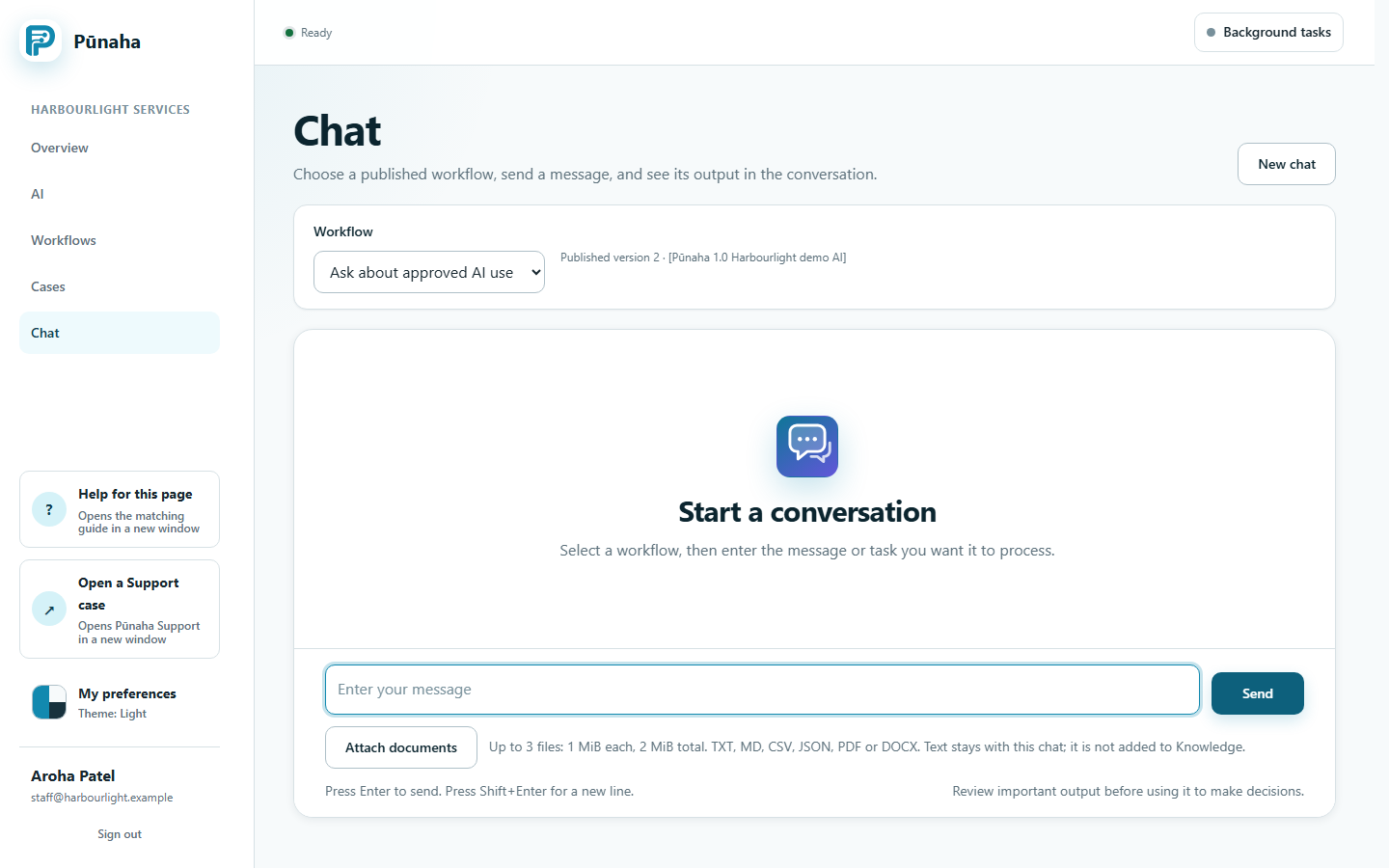
Start a chat. This image does not show a generated answer. Installed Pūnaha 1.0.0 frontend, captured in November 2026 with fictional practice data. Open the full image.Choose a published workflow before sending a message. This image does not show a generated answer. Installed Pūnaha 1.0.0 frontend, captured in November 2026 with fictional practice data. Open the full image.
Do not include personal information, customer information, passwords, or keys.
Help us improve the docs
Allow optional Google Analytics cookies to measure guide visits, download clicks and video use? Analytics stays off until you accept. Search text and feedback are not sent by our analytics tools. You can change your choice in the footer.
What is measured?
Google processes page and interaction data, browser information and approximate location. We use the existing Pūnaha analytics property. We remove query strings and fragments from the page address and use a separate docs consent choice. This does not change your choice on punaha.com. Privacy policy · Google privacy policy.