
Get started
Complete a common Punaha journey
Choose a complete guide for one of the most common Punaha goals.
Choose the result you need
Each journey starts with what must be ready. It then takes you through the actions, the expected result, and common problems.
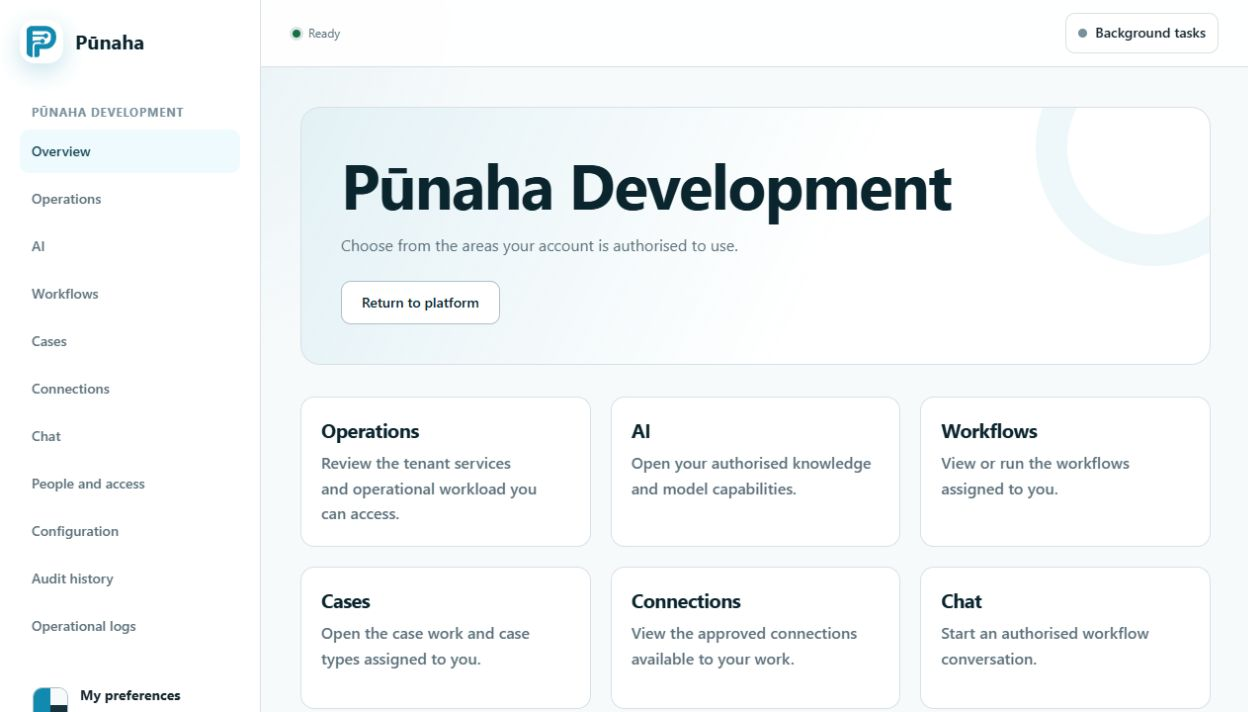
Set up the platform
Prepare and use AI
Build a solution
- Build, publish, and run a workflow.
- Build a case type and work with a case.
- Configure and test a Connection.
Find an operational problem
Check operations, logs, and audit records when work is waiting, failed, or giving an unexpected result.
Manage the installation
- Complete registration and renewal process. Confirm activation on the original installation before treating registration as complete.
- Add approved nodes.
- Stop, assign, and resume documents.
- Install and activate a solution package.
See the screens
The 1.0.0 interface tour shows sign-in, workflows, knowledge, Chat and cases using fictional practice data.
Was this page helpful?
Your answer helps us improve the documentation.
Do not include personal information, customer information, passwords, or keys.