
Build solutions
Check, publish, and run a workflow
Move a workflow from a draft to a published version and test its runs.
On this page 4 sections
Work in the draft
Your changes stay in the draft until you publish them. An old published version does not change while you edit.
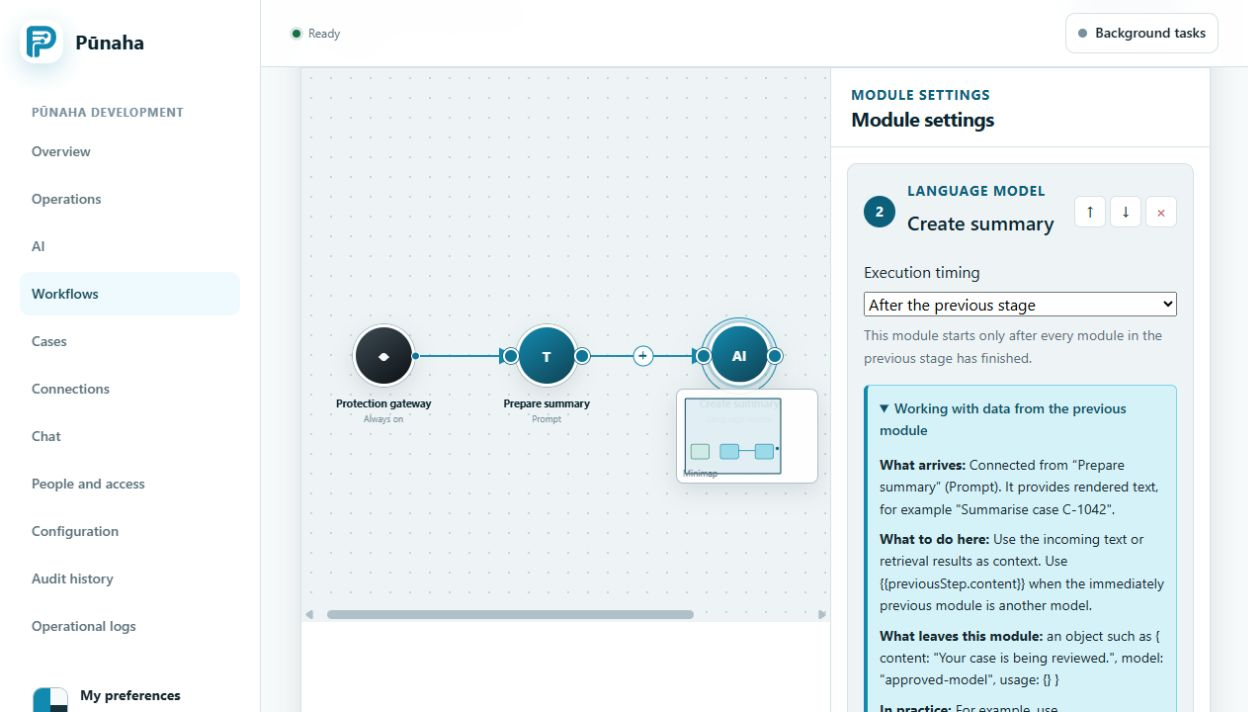
Check the workflow
- Save the draft.
- Run the built in check.
- Fix every error.
- Test with safe sample information.
- Check each result and error path.
Publish it
Publishing creates a numbered version. Check that its Connections, models, knowledge databases, and access are ready first.
Check a run
Pūnaha saves the workflow version, state, events, approvals, and results for each run.
If you cancel a run, Pūnaha stops future work but keeps the history.
Was this page helpful?
Your answer helps us improve the documentation.
Do not include personal information, customer information, passwords, or keys.