
Build solutions
Import or export BPMN and DMN
Import a BPMN or DMN file, check it, and test it before you publish.
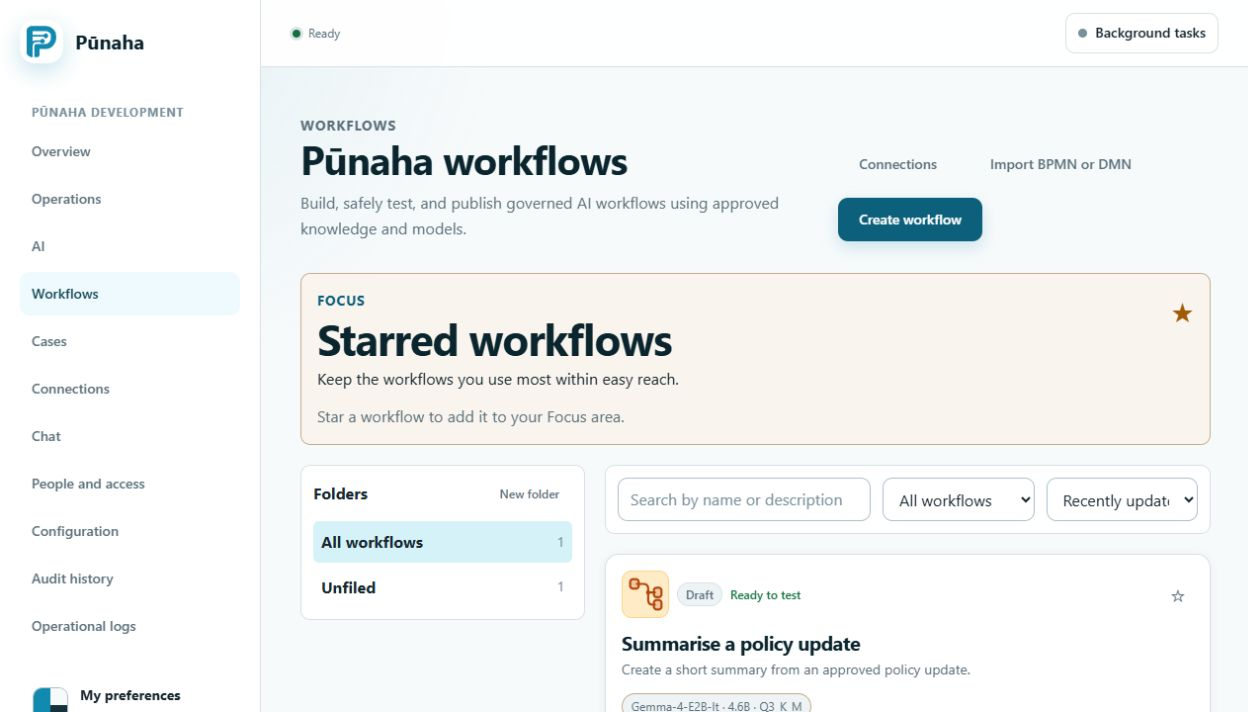
Start the import
Open Workflows, then choose Import BPMN or DMN.
Check an imported file
- Import the file into a draft.
- Read every error and warning.
- Check paths, decisions, information, people tasks, and error handling.
- Test common and unusual examples.
- Export the result.
- Open it in the other tool if you need to exchange files with that tool.
Do not assume every detail moved
A file can import even when a part needs review. Read all warnings and check any value that Pūnaha created for you.
Standards claim
Pūnaha includes import, export, and checking tools. This does not mean that every formal BPMN, DMN, or CMMN check is complete.
Verify imported decisions
Validate an imported DMN model and test typed inputs before publishing. An accepted import is not proof that every external tool extension or standard construct is supported.
Was this page helpful?
Your answer helps us improve the documentation.
Do not include personal information, customer information, passwords, or keys.