
Build solutions
Build, publish, and run a workflow
Create a workflow, test its draft, publish a version, and check a run.
Your progress
Follow this journey
Progress is saved only in this browser.
Before you start
Write down the information the workflow receives and the result it must return.
Prepare the approved Connections, models, and knowledge databases that the workflow needs. Confirm that you have access to create, update, test, publish, and run the workflow.
Create the draft
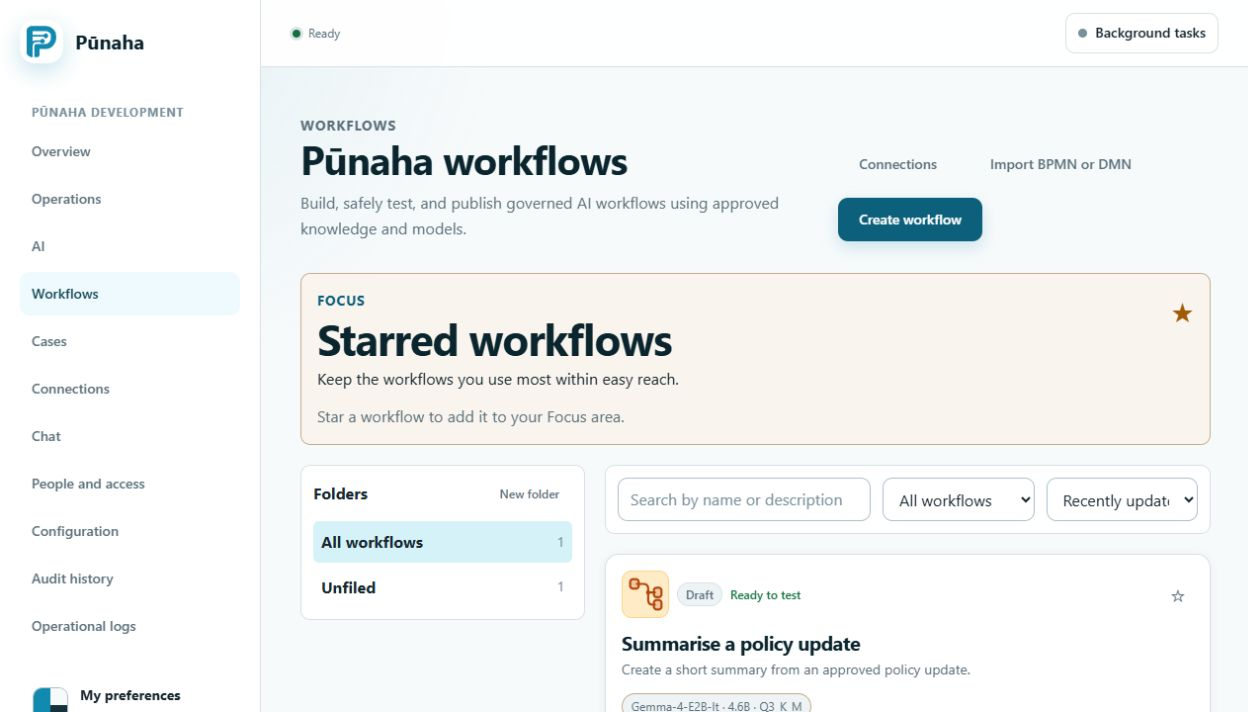
- Open Workflows.
- Choose Create workflow.
- Enter a clear name and purpose.
- Add an Input step.
- Add the work steps in the order they depend on each other.
- Add an Output step.
- Save the draft.
Configure the work
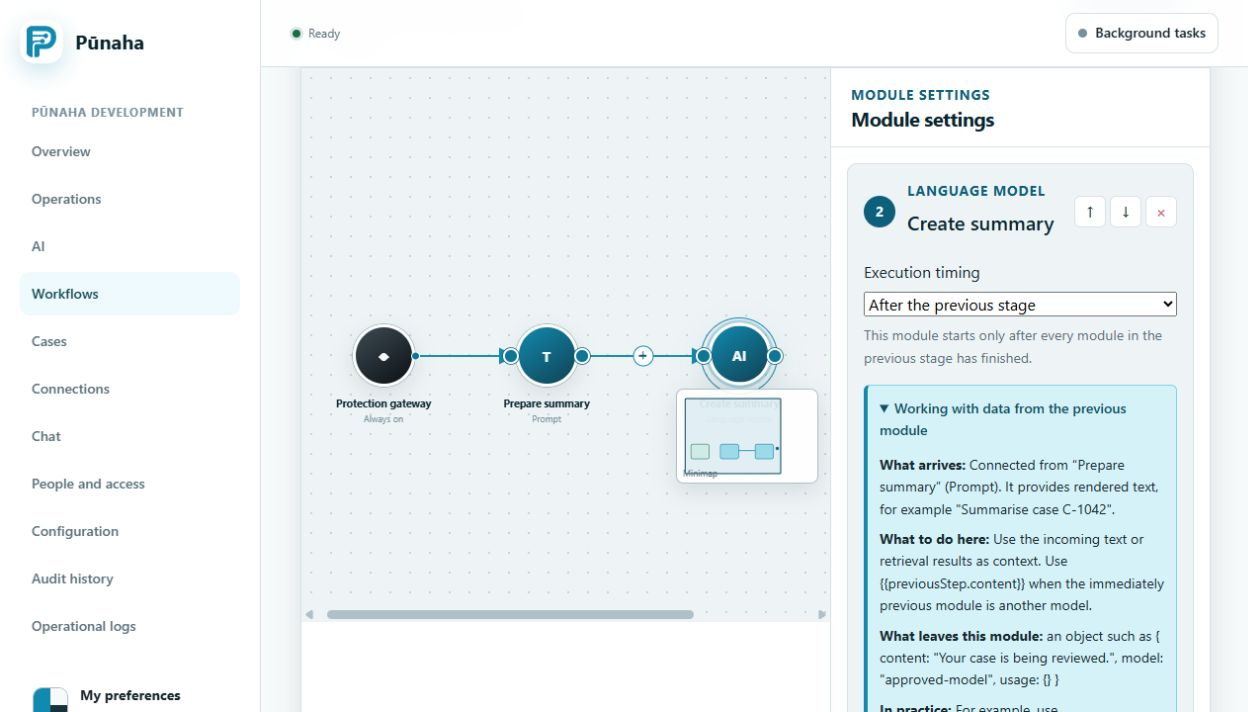
- Open each step.
- Choose the prepared Connection, model, or knowledge database.
- Map the incoming information to the fields that the step needs.
- Map the step result to the next step.
- Add a clear error path where work may fail.
- Save the draft again.
Check and test the draft
- Run the built in check.
- Fix every error.
- Read every warning.
- Test the draft with safe sample information.
- Check the result from each important step.
- Test an expected error path.
The workflow card should show that the draft is ready to test. Keep the sample result as review evidence when your process requires it.
Publish a version
- Check that every dependency is enabled and available.
- Check that the people who need the workflow have Run access.
- Choose Publish.
- Review the confirmation.
- Publish the numbered version.
The published version stays unchanged while you work on a later draft.
Run and check the workflow
- Open the published workflow.
- Choose Run.
- Enter the required information.
- Start the run.
- Open the run details.
- Check the final state, events, approvals, and result.
If it does not work
- If the draft check fails, fix the named step and field before testing again.
- If a dependency is unavailable, test its Connection, model, or knowledge database.
- If Run is missing, check the exact workflow and Run action in Permissions.
- If a run fails, keep the run and request IDs. Check Operations and logs before repeating it.
Next step
Read Choose workflow steps for each step type. Read Add safety checks and approvals before using the workflow for important decisions or actions.
Was this page helpful?
Your answer helps us improve the documentation.
Do not include personal information, customer information, passwords, or keys.