
Administer
Fix an access problem
Find out why a person cannot see or use an item.
Write down the problem
Record the tenant, person, item, action, time, message, and request ID. Do not collect passwords, login codes, or secret keys.
Check the exact action
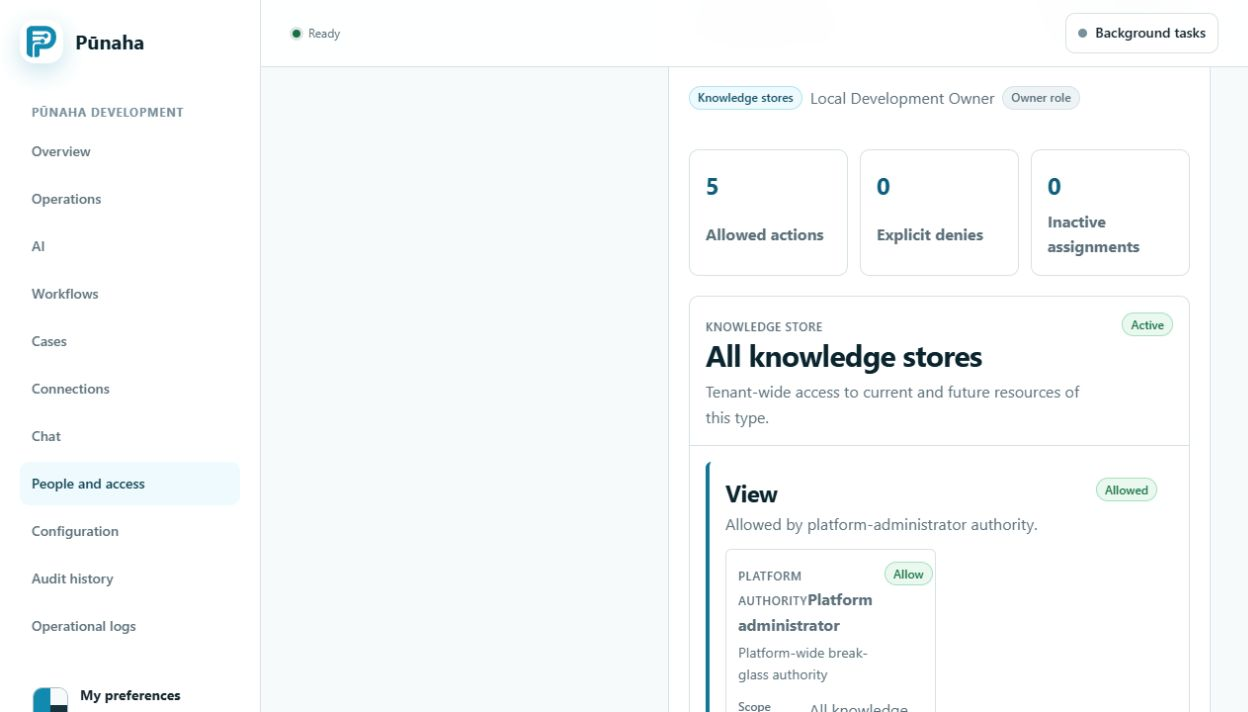
- Open People and access.
- Choose Permissions.
- Select the person or service.
- Open Check access.
- Choose the item type.
- Choose the named item.
- Choose the action that failed.
Common reasons
- The menu is missing because the person does not have the required action.
- A saved link does not give access.
- View access does not include Search, Run, or Work.
- A Deny rule can block an Allow rule.
- Another group may still give access after one assignment is removed.
If another administrator changed it
If you see ACCESS_GRANT_CHANGED, reload the page. Read the new details before you try again.
Was this page helpful?
Your answer helps us improve the documentation.
Do not include personal information, customer information, passwords, or keys.