
API
Sign in to the API
Understand API sessions, access checks, and safe error handling.
Know which requests are public
Health, Swagger, the OpenAPI file, and some sign in requests do not need a session. Most product requests do.
Use the supported session
The current OpenAPI file lists two ways to send a Pūnaha session. A browser can use the secure punaha_session cookie. An API client can send the session token as a Bearer value.
Do not copy a person's password or browser cookie into an unattended program.
Plan unattended access
The current public API guide does not describe a separate credential for an outside application. Agree a safe sign in design before you use an unattended client in production.
Give exact access
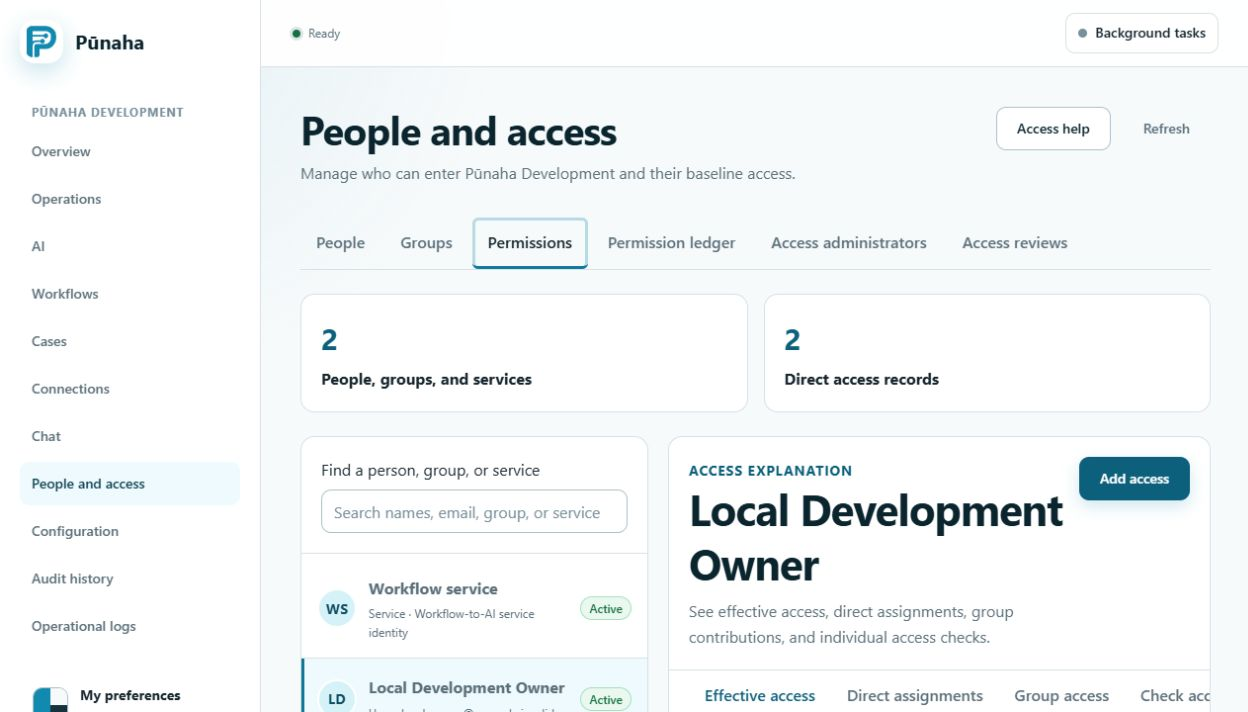
Pūnaha checks the signed in identity, tenant, item, and action for each protected request. View, Search, Run, Create, Update, Work, Publish, and Delete are separate actions.
Handle an error
- Save the HTTP status.
- Save the safe error code and request ID.
- Do not save the password, token, or secret key.
- Reload the item before you repeat a request after a conflict.
- Repeat a request only when it is safe to do so.
Keep versions together
Keep the API client, OpenAPI file, and Pūnaha version together. Test them again before an update.
Was this page helpful?
Your answer helps us improve the documentation.
Do not include personal information, customer information, passwords, or keys.