
Operate
Verify a backup and restore
Check that a complete Pūnaha backup can restore consistent services and data.
Your progress
Follow this journey
Progress is saved only in this browser.
Define the backup set
Include the Control, Workflow, and AI databases from one release checkpoint. Record the Product version and each database version.
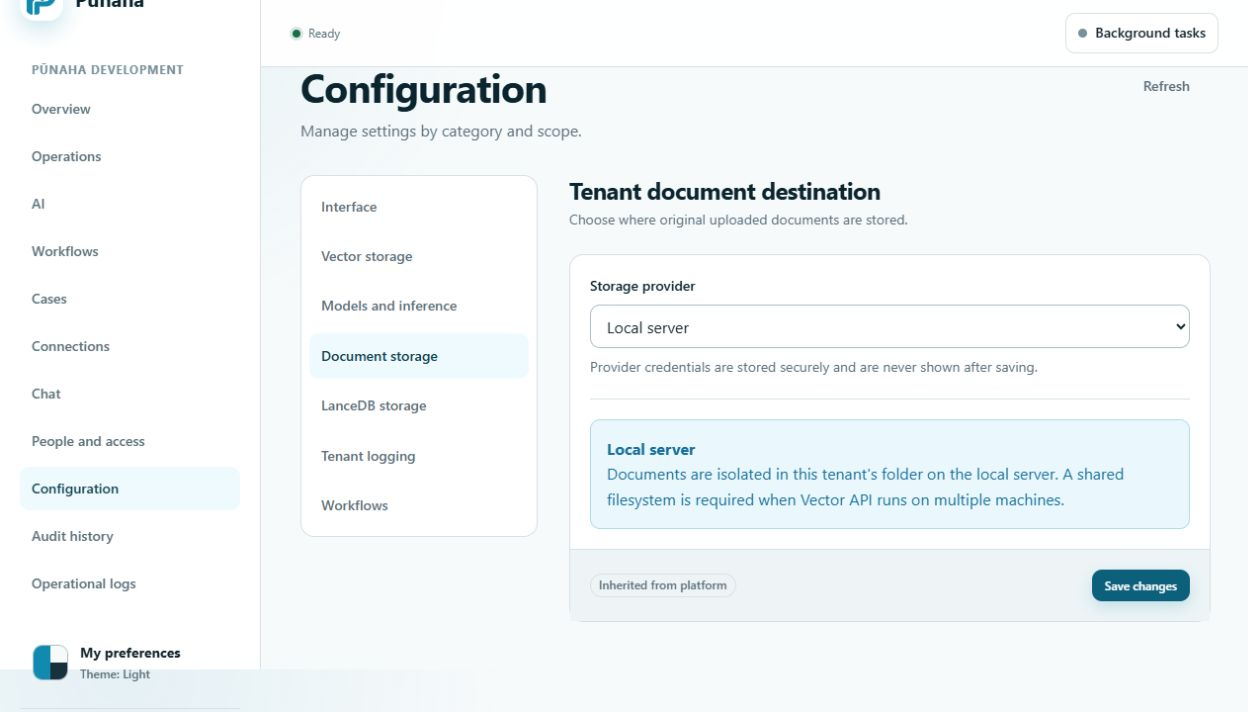
Include every file store used by the installation. This can include original documents, knowledge indexes, local model files, runtime files, and retained logs.
Keep the parts consistent
- Use the approved method to pause or coordinate writes.
- Capture all three databases at the same checkpoint.
- Capture the matching file data.
- Record storage destination names and safe counts.
- Protect the backup and its encryption material under separate approved controls.
Restore away from production
- Create a separate recovery system.
- Use the recorded product version.
- Restore the three databases and matching files.
- Apply only the approved recovery steps.
- Keep the recovered system out of production traffic.
Check the restored system
- Confirm every required service is Live and Ready.
- Sign in with an approved test account.
- Check one allowed and one restricted access result.
- Open a workflow version and a case without changing production work.
- Search a restored knowledge database and compare one passage with its source.
- Confirm the required model and Connection states.
- Check audit and operational records.
Record pass or fail
A restore passes only when the approved checks succeed and the data belongs to the same checkpoint. Record missing data, wrong versions, failed checks, and recovery time.
Do not replace a production system with a failed or incomplete recovery.
Improve the next backup
Correct the backup list, timing, storage, access, or recovery steps that caused the failure. Create and test a new checkpoint.
Next step
Read Plan storage and backups and Fix log, backup, and restore problems.
Include registration state
Restore the matching protected Control allowance record and node state together. Do not clear the TPM or counter to reset registration.
A new host or lost identity may require the signed identity recovery process. Prove that path in a recovery exercise before relying on it.
Was this page helpful?
Your answer helps us improve the documentation.
Do not include personal information, customer information, passwords, or keys.