
Use Pūnaha
Work with cases
Find your case work and complete the steps that are assigned to you.
About cases
A case follows a published case type. The case type defines its stages, tasks, requirements, and files.
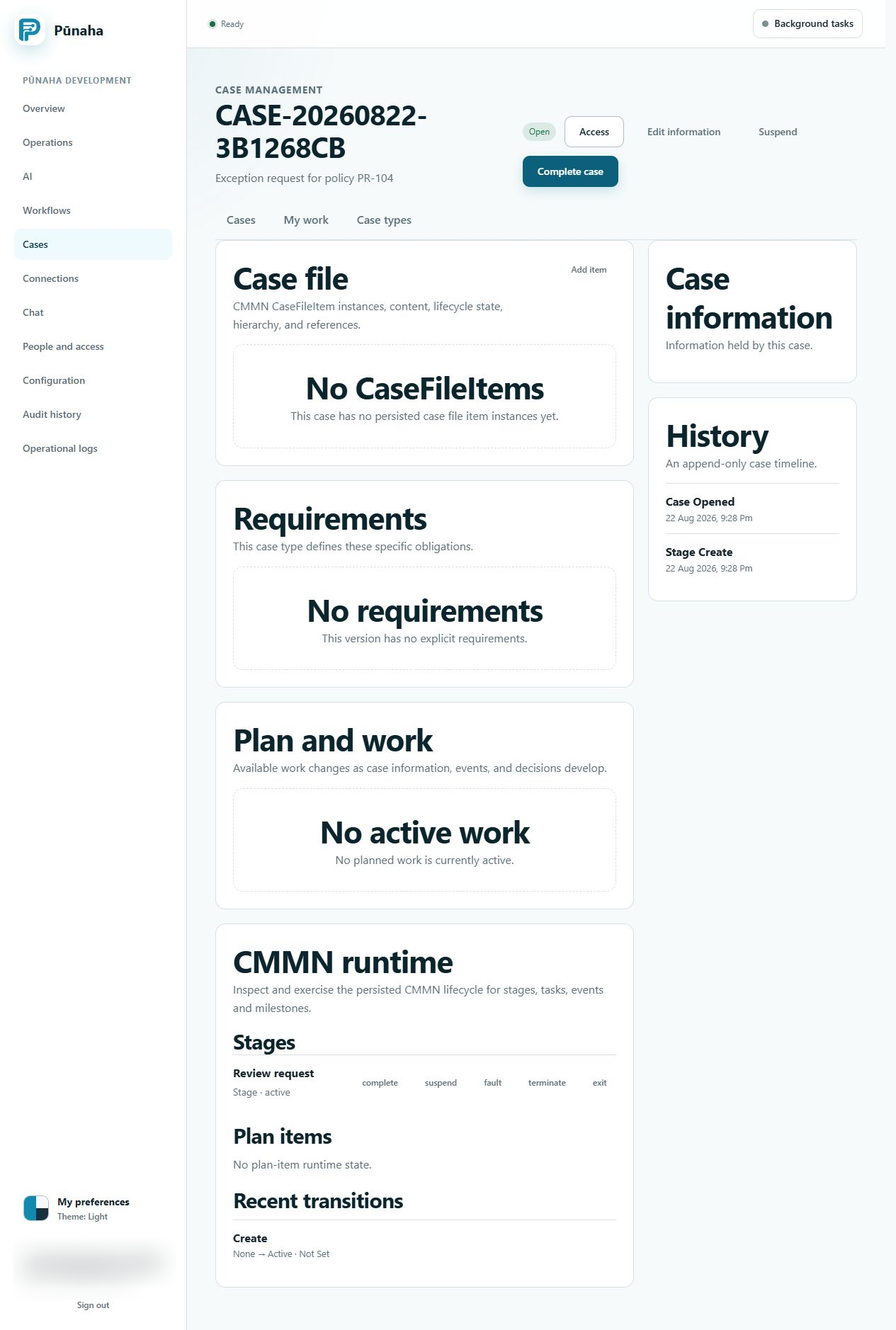
Find your work
Open Cases or the work queue. You will only see the case work that you can access.
Access to view a case does not always include access to work on it.
Update a case
- Open the case.
- Read its current stage and requirements.
- Open the task that you need to complete.
- Save your work.
Pūnaha records important case events in order.
Case files and new versions
Case files have their own access checks. A new case type version does not change open cases by itself.
An administrator can first check how a move to the new version will affect a case. The administrator can then move the case if it is safe.
Typed information and changed records
Enter dates, numbers, choices, and other case fields in the type requested. Refresh after a concurrent edit conflict instead of overwriting another person.
Suspended cases need the permitted resume action. Listener and timer work follows the case plan and current runtime state.
Was this page helpful?
Your answer helps us improve the documentation.
Do not include personal information, customer information, passwords, or keys.