
Reference
Tenants, people, groups, roles, and permissions
Understand how Pūnaha groups people and decides what each person can do.
What these concepts mean
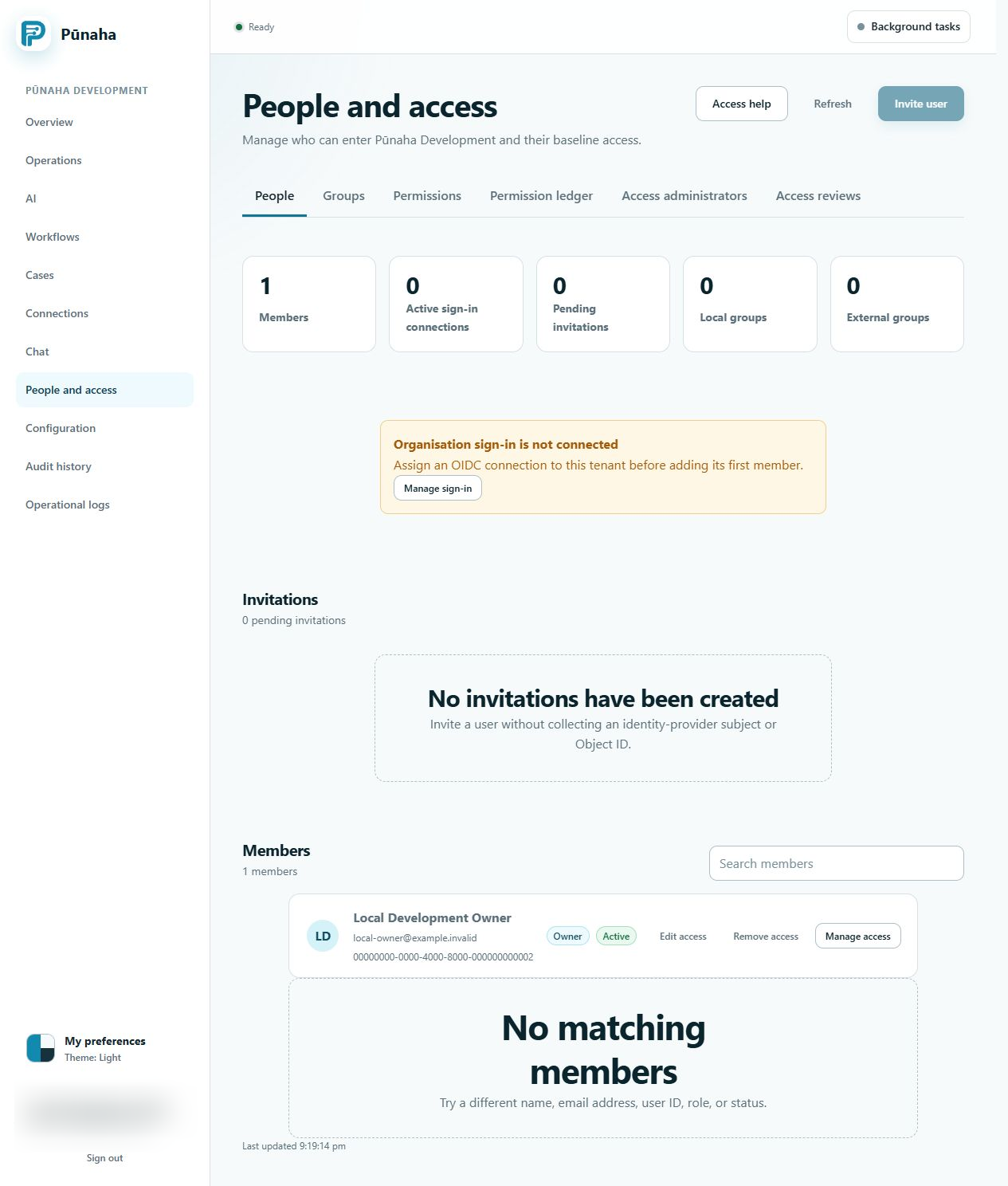
A tenant is the area where one group of people, settings, and work belongs. A person joins the tenant as a member.
A group lets several people receive the same access. A membership role gives a tenant level starting set of access. A permission applies an exact Allow or Deny to an item and action.
Why they matter
Pūnaha checks the tenant, person, item, and action before protected work. Knowing a page address does not give access.
Actions are separate. View does not include Search, Run, Create, Update, Work, Publish, or Delete.
How access is combined
- Start with the person's active membership role.
- Add active access given directly to the person.
- Add access from active local and external groups.
- Apply the start and end dates.
- Apply any matching Deny.
A matching Deny wins over an Allow. Removing one access record does not remove access supplied by another source.
Who manages them
Platform administrators create and manage tenants. Tenant member administrators manage people and groups. Tenant owners and appointed access administrators manage permissions within their authority.
Permission to manage access does not automatically give permission to use the item.
Related tasks
Return to the glossary.
Was this page helpful?
Your answer helps us improve the documentation.
Do not include personal information, customer information, passwords, or keys.