
Use Pūnaha
Find your way around Pūnaha
Learn how to move between the platform and a tenant.
Platform and tenant areas
Platform administrators can see Tenants, Operations, Audit, and Settings.
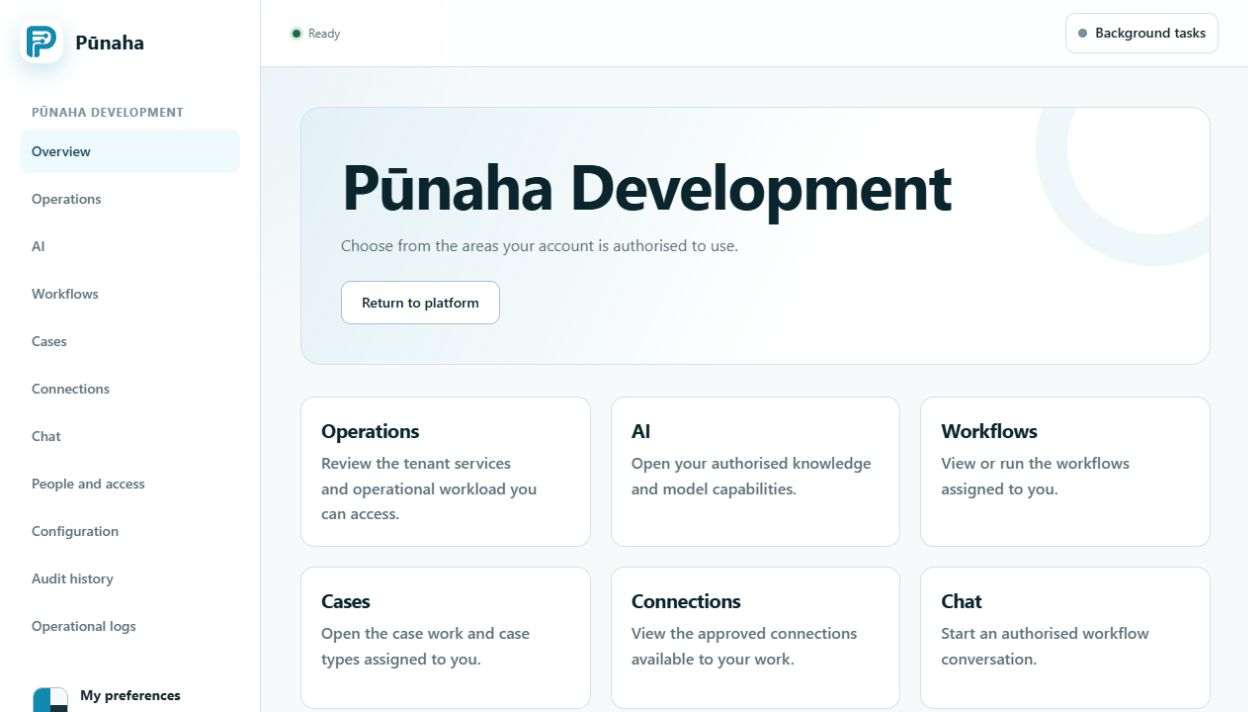
Inside a tenant, you may see Overview, Operations, AI, Workflows, Cases, Connections, Chat, People, Settings, Audit, and Logs.
Why your menu may look different
Pūnaha only shows areas and actions that you can use. A missing menu item usually means that you do not have access to it.
Check where you are
- Check the tenant name before you change anything.
- Use the main menu to open an area.
- Use the links above the page title to go back.
- Open your account menu to change your personal settings.
Saved links
You can save a link to a page. The link does not give you access. If Pūnaha blocks the page, ask an access administrator to check your access to that item.
Was this page helpful?
Your answer helps us improve the documentation.
Do not include personal information, customer information, passwords, or keys.