
Reference
Secrets and safe configuration
Enter, store, test, change, and report configuration without exposing passwords, keys, or tokens.
Know what is secret
Passwords, provider keys, database credentials, private keys, internal service tokens, sign in codes, and session tokens are secrets.
Server addresses, tenant names, and resource IDs may also need protection under your organisation's rules even when they are not credentials.
Store secrets only in approved fields
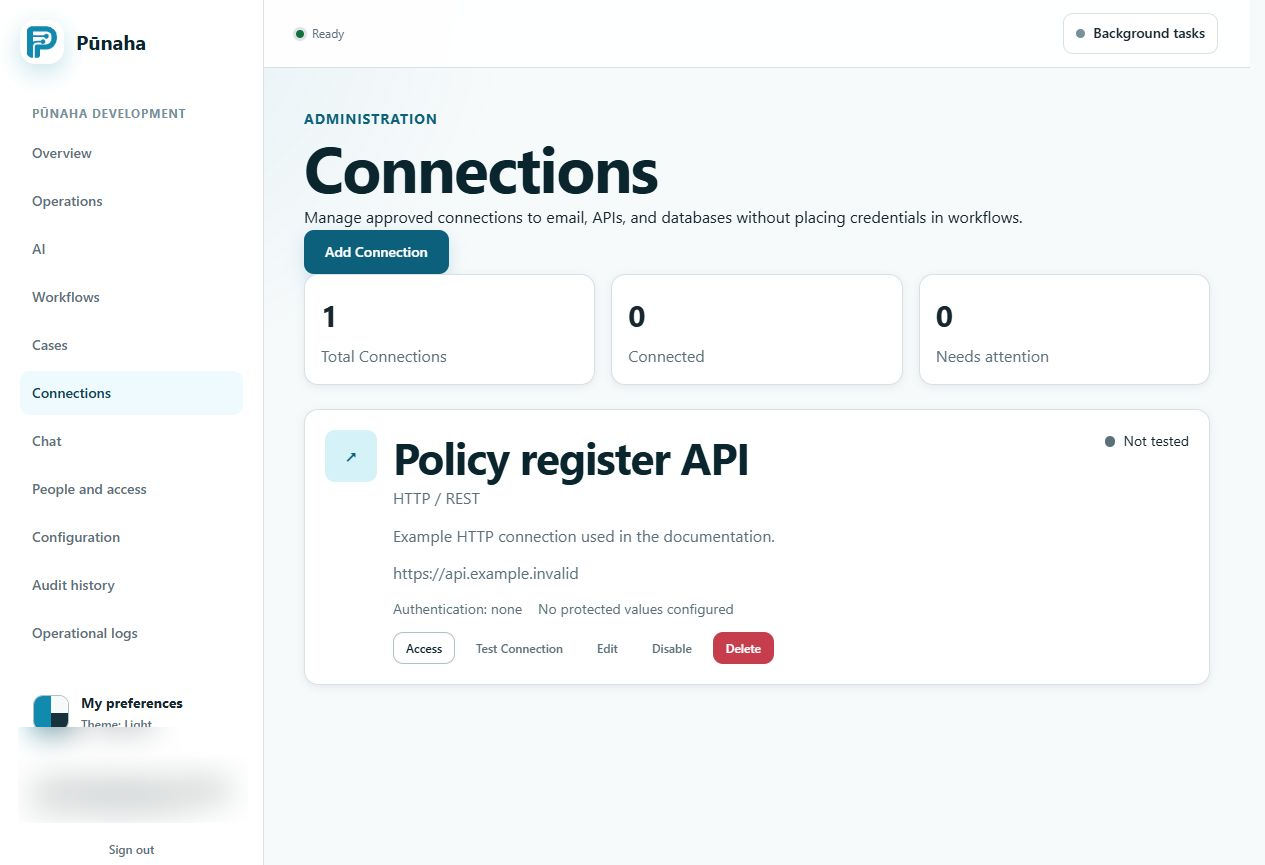
Use the secret field for a Connection or storage destination. Use the approved server secret store for service configuration.
The current product encrypts saved Connection and storage credentials before keeping them in the database. Settings responses do not return stored cloud credentials.
Use a limited account
Give the remote account only the network and data actions needed by the Connection. Use a separate account for each environment when possible.
Do not use a personal owner account for normal service work.
Test without exposing the value
- Confirm the destination and sign in method.
- Enter the secret directly into the approved field.
- Save and test the Connection.
- Read the result without copying the secret.
- Test the exact workflow action with safe sample information.
Change and rotate safely
- Name the affected Connections and services.
- Create the new secret at its source.
- Update the approved product setting.
- Test the new value.
- Remove the old value at its source.
- Check logs and audit records for unexpected use.
If a secret is exposed
Do not paste it into a message or ask another person to confirm it. Stop or limit its use, rotate it at the source, update the product, and follow your response process.
Related tasks
Read Manage Connections, Manage settings, and Fix workflow and Connection problems.
Was this page helpful?
Your answer helps us improve the documentation.
Do not include personal information, customer information, passwords, or keys.