Invite people, manage groups, and keep membership details up to date.
Applies to
Next (0.1 RC1 Preview)
Product revision
25748655d6be
Audience
Tenant administrators
Source reviewed
Open People and access
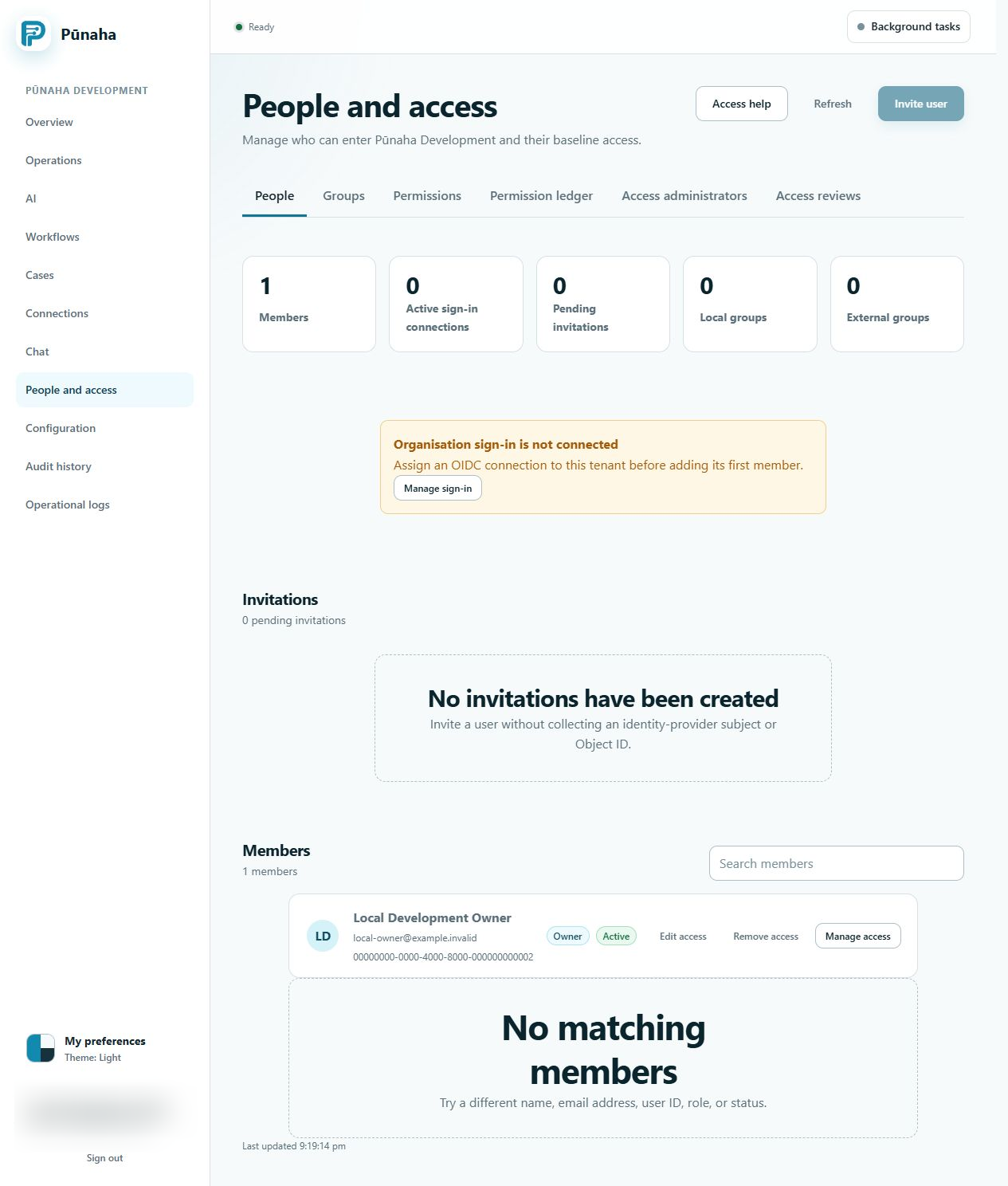
This page shows members, invitations, groups, permissions, and access reviews.
Start here when you need to invite a person or manage their account. Earlier development interface, captured 22 August 2026. Follow the current text for RC1. Open the full image.
Invite a person
Choose Invite user.
Enter the person's correct identity details.
Choose the right sign in method.
Send the invitation.
Give the person only the access they need.
Use groups
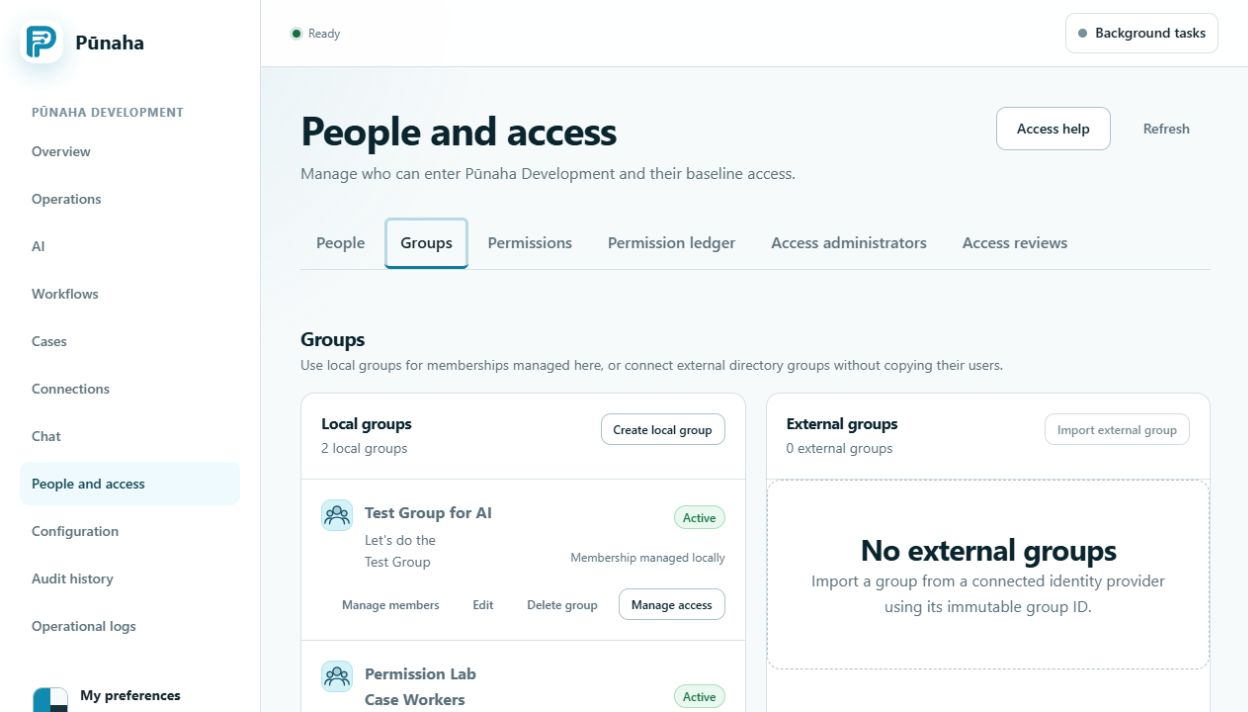
A local group is managed in Pūnaha. An external group gets its members from your identity provider.
Use groups when several people need the same access. Earlier development interface, captured 22 August 2026. Follow the current text for RC1. Open the full image.
Remember the access step
Adding a person to a tenant does not give them access to product areas. Add their access separately.
Removing a person from one group does not remove access from other groups or direct assignments.
Was this page helpful?
Your answer helps us improve the documentation.
Do not include personal information, customer information, passwords, or keys.