
Reference
Operational logs and audit records
Understand the different questions answered by logs and audit records.
What these concepts mean
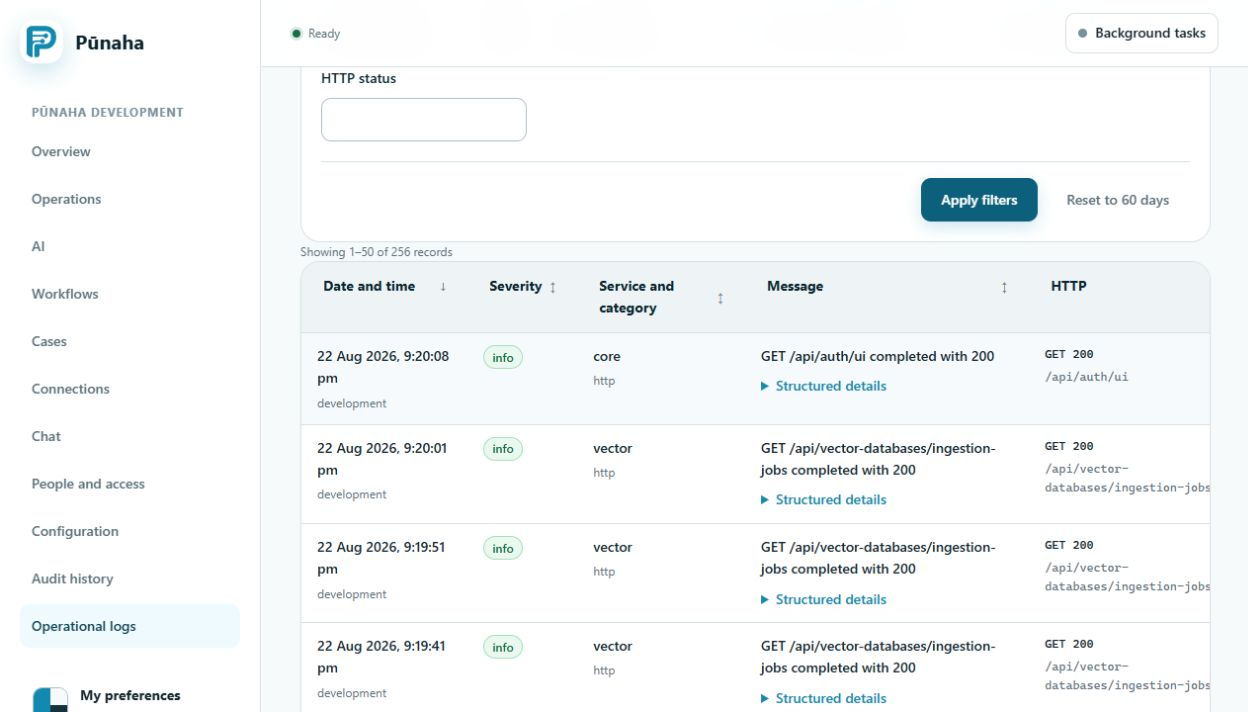
An operational log records service and request events. Use it to understand what happened while work ran or failed.
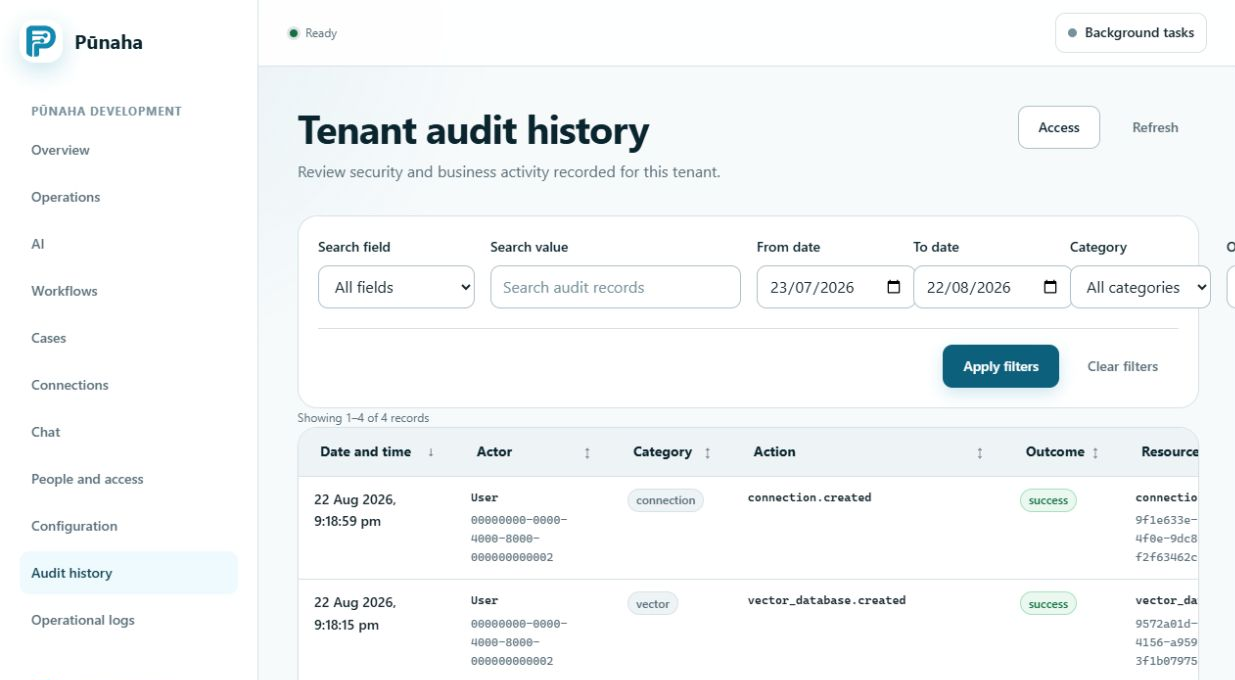
An audit record describes an important security, access, or administration event. Use it to understand who changed an important item and whether the action succeeded.
Why they matter
The two records answer different questions. A log may show why a request failed. An audit record may show the earlier access or setting change that affected it.
Request, run, job, case, and item IDs can connect related records.
How they work together
- Start with the person, tenant, time, message, and best available ID.
- Find the work state in Operations.
- Read the matching log events in time order.
- Check audit history when an administration change may be involved.
- Compare the first failure with the change time.
Who manages them
Operators search operational logs. Auditors and authorised administrators review audit records. Access rules decide who may view each record type.
Both record types may contain personal or security information. Protect exports under your organisation's rules.
Related tasks
Return to the glossary.
Was this page helpful?
Your answer helps us improve the documentation.
Do not include personal information, customer information, passwords, or keys.