
Reference
Document types and upload limits
Check which document types Pūnaha can read and how many files you can upload.
Supported file types
.txt .log .md .markdown .csv .json .html .htm .xml .yaml .yml .pdf .msg .eml .rtf .epub .odt .ods .odp .docx .docm .dotx .dotm .xlsx .xlsm .xltx .xltm .pptx .pptm .ppsx .ppsm .potx .potm
Upload limits
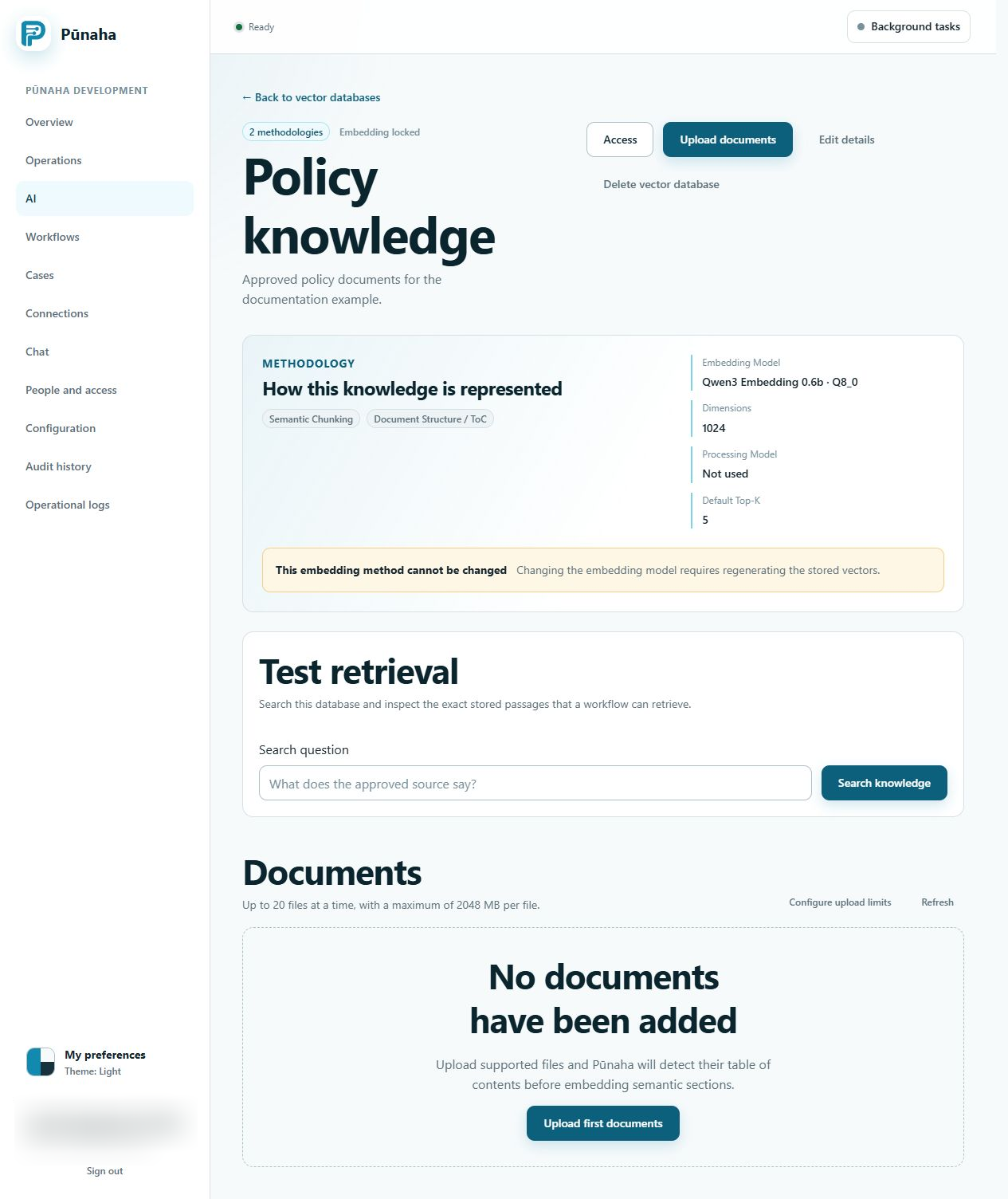
You can choose up to 20 files in one upload. One file can be up to 2 GB. A tenant may have a lower limit.
Checks before upload
Pūnaha rejects files that are empty, damaged, encrypted, or not supported. It also checks compressed file packages for unsafe paths and very large content.
Readable text
A file with only images may not have text that Pūnaha can search. Outlook MSG and EML files can include supported attachments.
Remove encryption before you upload a PDF, email, OpenDocument file, or Microsoft Office file.
Chat attachments use separate limits
Chat accepts TXT, MD, CSV, JSON, PDF, and DOCX only. Up to three files are allowed, each up to 1 MiB, with a combined 2 MiB limit.
Combined extracted attachment text is limited to 100,000 UTF-16 code units. The complete message with document context must fit 200,000 units. Oversized context is rejected, not silently truncated.
Read Use Chat for handling and retention. The larger Knowledge limits do not apply to Chat.
Was this page helpful?
Your answer helps us improve the documentation.
Do not include personal information, customer information, passwords, or keys.