Create the stages, tasks, requirements, and files for a type of case.
Applies to
Next (0.1 RC1 Preview)
Product revision
25748655d6be
Audience
Case solution builders
Source reviewed
Open Case types
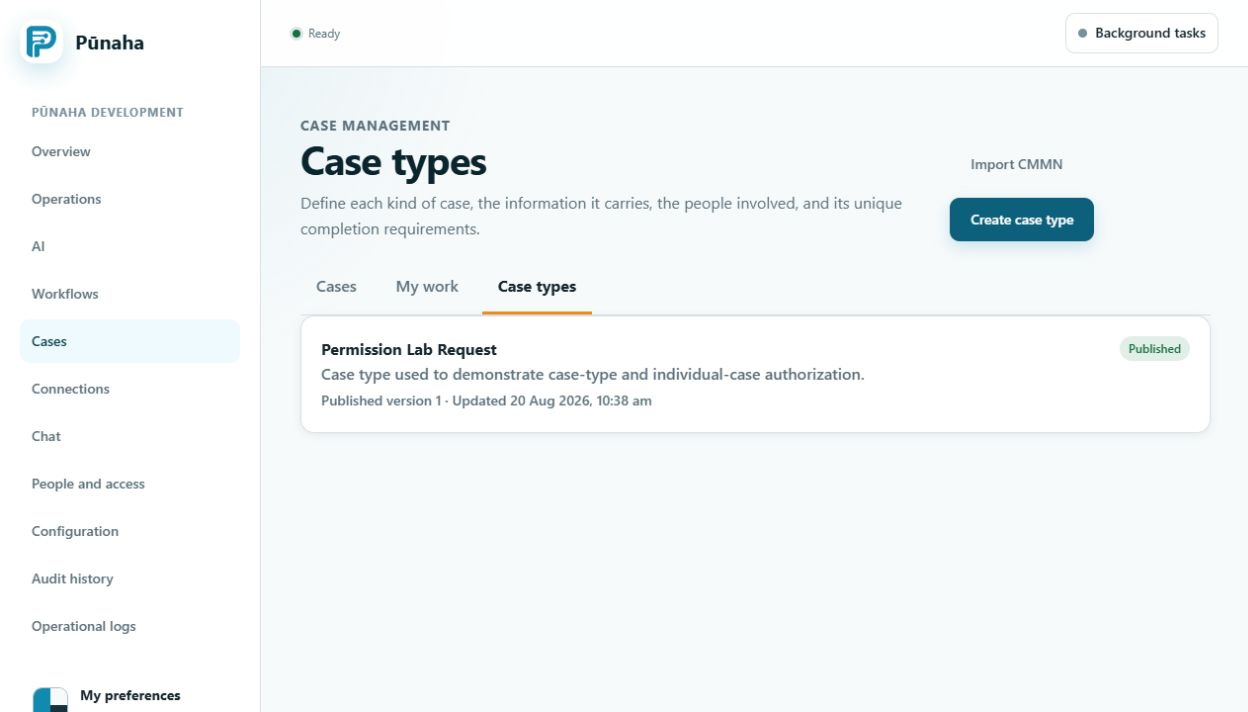
Open Cases, then choose Case types. You can create a case type or import a CMMN file.
Open a case type to work on its draft or create a new one. Earlier development interface, captured 22 August 2026. Follow the current text for RC1. Open the full image.
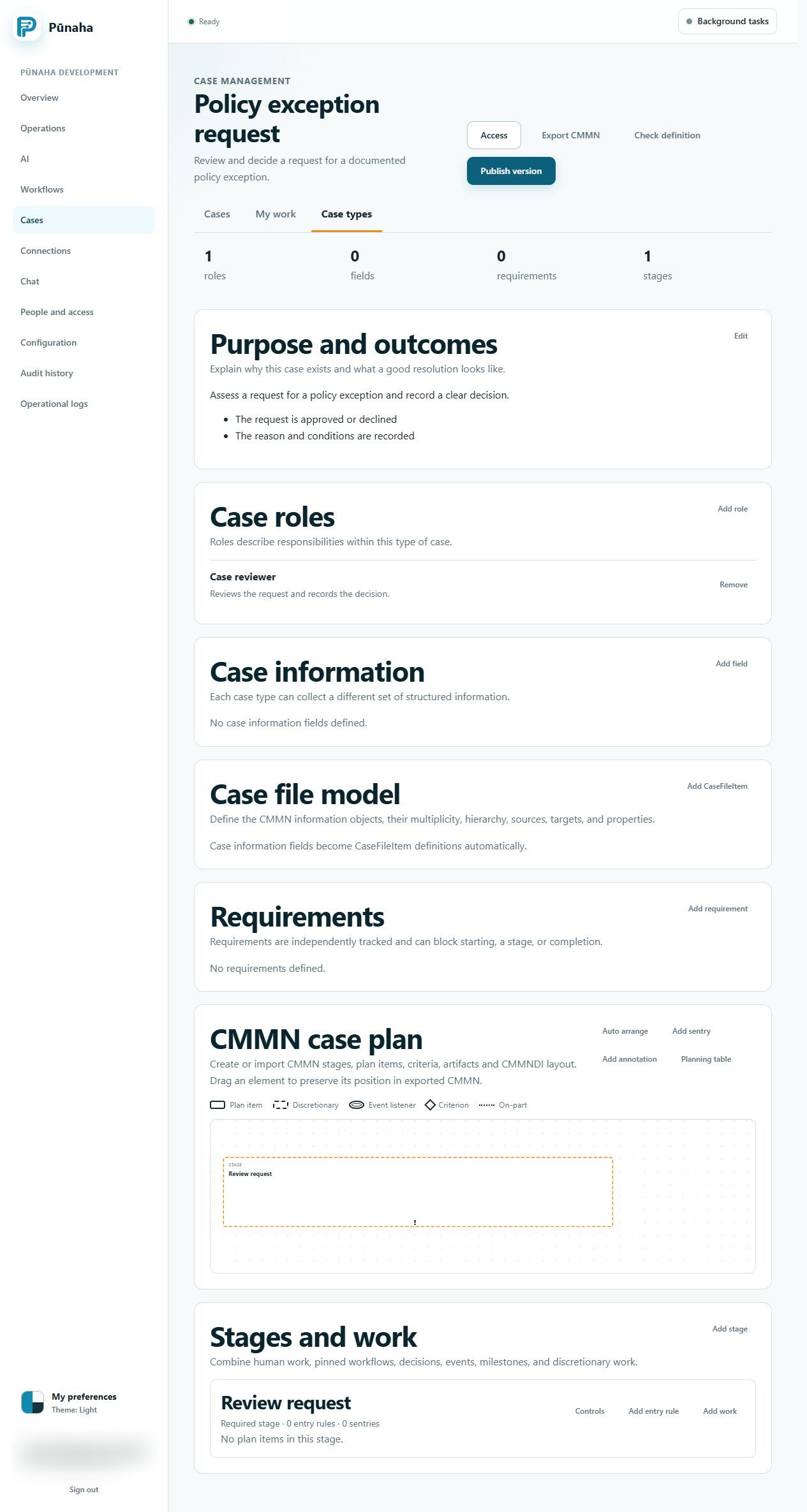
Build the case type
Give it a clear name and purpose.
Add the people or roles involved.
Add its stages.
Add tasks, requirements, and files.
Add rules only where they are needed.
Save and check the draft.
Check every section and each stage before you publish the case type. Earlier development interface, captured 22 August 2026. Follow the current text for RC1. Open the full image.
Publish a version
Test the normal path and difficult cases. Then publish a numbered version.
Move open cases with care
A new case type version does not change open cases. First use the move preview to see what will change. Move the case only after you check the result.
Check typed fields and timers
Use the correct field types for forms and case file values. Test listeners, timers, suspension, and resume with safe examples before publishing a case type.
Was this page helpful?
Your answer helps us improve the documentation.
Do not include personal information, customer information, passwords, or keys.