Open your settings
Open your account menu and choose Preferences. These settings only affect your account.
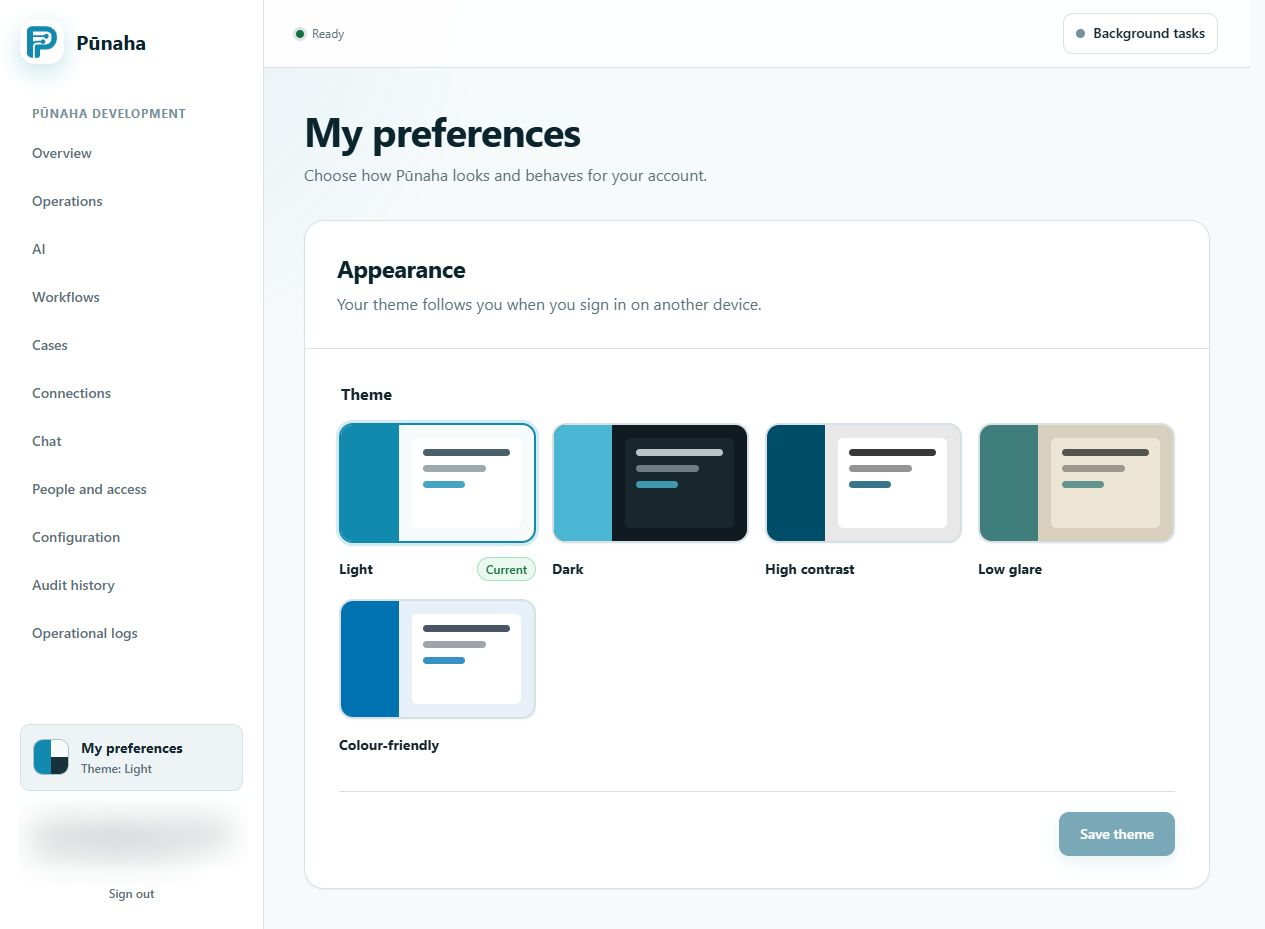 Choose a theme, then save it. Earlier development interface, captured 22 August 2026. Follow the current text for RC1. Open the full image.
Choose a theme
You can choose light, dark, high contrast, low glare, or colour friendly colours.
Choose the option that is easiest for you to read.
Use your browser settings
Pūnaha follows your browser settings for reduced motion and higher contrast. It also supports Windows forced colours.
If a setting does not work
Make sure you are using a supported browser. Update the browser if Pūnaha asks you to do so.
Was this page helpful?
Your answer helps us improve the documentation.
Do not include personal information, customer information, passwords, or keys.
