
Reference
Authentication and access overview
Understand sessions, membership, exact actions, groups, Deny rules, and service access.
Authentication proves an identity
A person signs in and receives a session. Pūnaha uses the trusted identity and selected tenant for later requests.
RC1 includes local sign in with MFA and OpenID Connect organisation sign in. The first System Owner must complete the selected verification. External callbacks must match the configured public frontend and API mapping.
Access decides what the identity can do
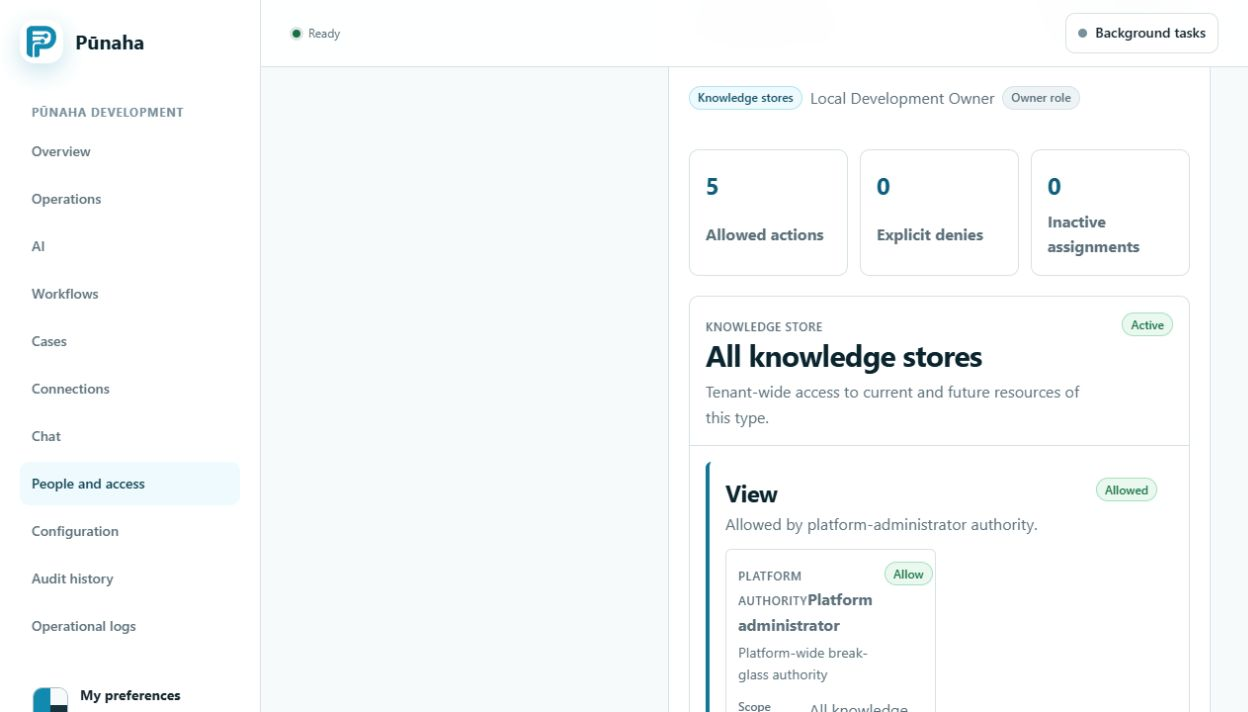
Membership roles provide a starting set of tenant access. Direct assignments and active groups can add access. An exact matching Deny overrides an Allow.
View, Search, Run, Create, Update, Work, Publish, and Delete are separate decisions.
The service checks every protected request
The menu hides areas that are not assigned. This helps the person find their work, but it is not the security boundary.
The service checks the tenant, item, and action again. A saved address cannot bypass this check.
Service identities also need access
Workflow uses a fixed service identity when it calls private AI operations. Internal authentication alone does not give resource access. The service identity also needs the matching Control permission.
Use the current limitation honestly
Configure and test the intended sign in method. Read Public addresses and organisation sign in for exact callback mappings.
Related tasks
Read Manage access, Review access, and Fix sign in, invitation, and access problems.
Registration gate
After the powered hour allowance is exhausted, successful sign in only permits the functions needed to restore registration. It does not reopen tenant data or ordinary administration.
Was this page helpful?
Your answer helps us improve the documentation.
Do not include personal information, customer information, passwords, or keys.