
Reference
Fix model, upload, and knowledge search problems
Check an unavailable model, rejected document, failed processing job, or weak knowledge result.
Start with what you see
Choose the closest problem
Select one symptom. You will still check the evidence before changing anything.
What you see
- No approved model is available for the required work.
- A model file upload stops or the local runtime is unavailable.
- A document is rejected or stays failed in Operations.
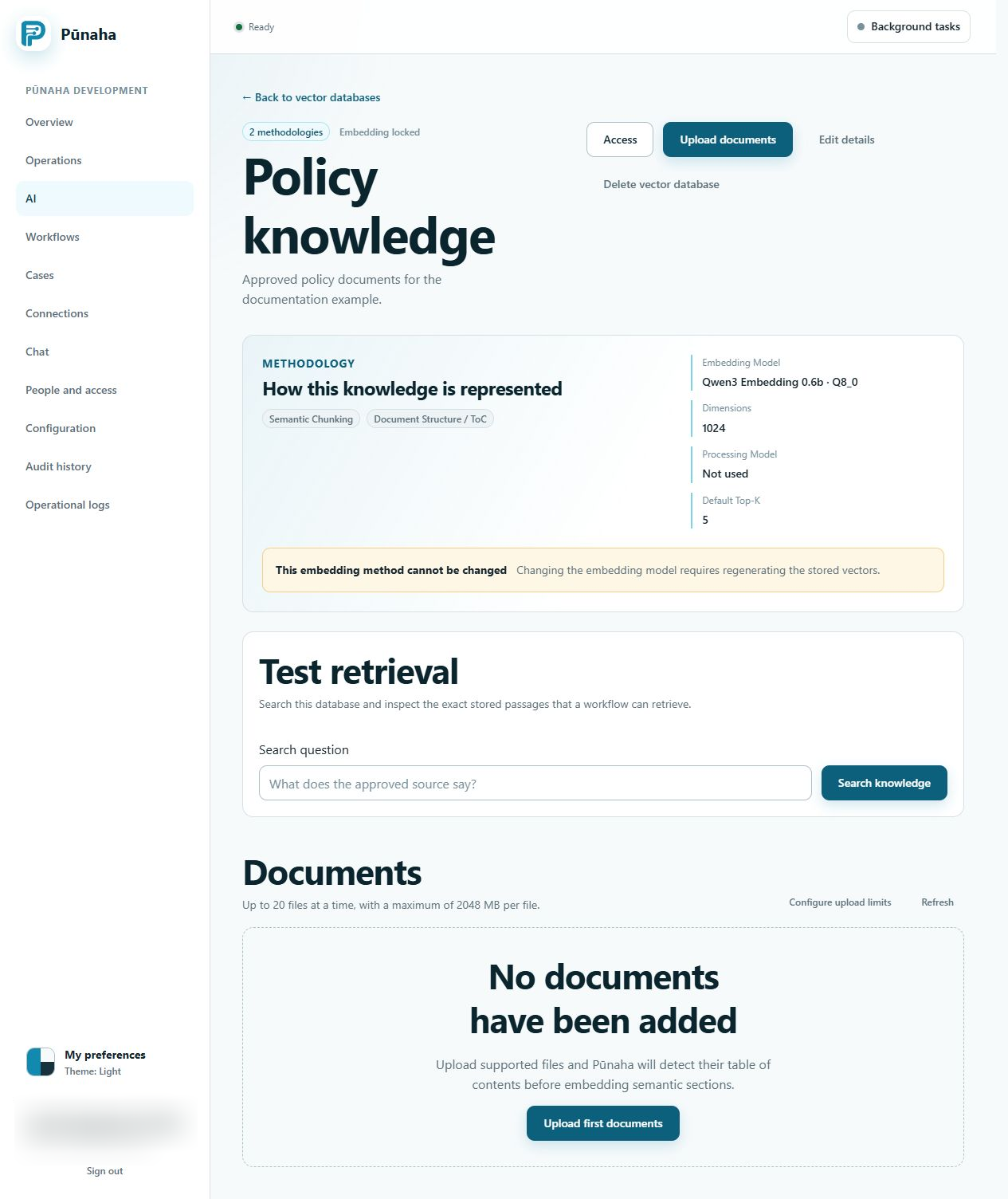
- Knowledge search returns no passage or the wrong passage.
What it means
The required model may not be ready or enabled. A document must pass the file policy, be readable, and finish processing before its passages can be searched.
Search also needs the exact Search action. View access is not enough.
Likely causes
- The model Connection, deployment, local runtime, or model file is not ready.
- The document type or size is not allowed.
- The file is empty, encrypted, damaged, or contains no readable text.
- Document processing is paused, waiting, or failed.
- The question does not use words or meaning found in the stored passage.
- The person lacks Search access to this knowledge database.
Safe checks
- Check the model state and the work it is enabled to perform.
- Test the model Connection without copying its secret.
- Check the current upload policy before trying the file again.
- Open the document and read its processing stage and message.
- Find the matching job in Tenant operations.
- Use Check access for Search on the named knowledge database.
- Search for one fact that clearly appears in a finished document.
Solutions
- Enable an approved ready model for the required work.
- For an interrupted GGUF upload, try again or place the approved file in the configured model folder and refresh.
- Use a supported file that is within the shown limits and contains readable text.
- Resume document processing when an authorised administrator paused it.
- Correct the identified processing cause before retrying the job.
- Add Search access only when the person should search the database.
- Improve the source or search question when the stored passage does not contain the needed information.
What to collect
Collect the tenant, model or database name, safe file name and type, file size, processing stage, time, job ID, request ID, and visible message.
Do not collect model credentials, provider keys, customer document contents, or a private model file.
Related guides
Read Prepare a model and knowledge database, Upload and search knowledge, and Run local AI models.
Processing is waiting or stopped
Read the document stage, current owner, capacity wait, and original error. Use document controls and model scheduling.
Was this page helpful?
Your answer helps us improve the documentation.
Do not include personal information, customer information, passwords, or keys.