Search logs for a problem and use audit records to see important changes.
Applies to
Next (0.1 RC1 Preview)
Product revision
25748655d6be
Audience
Operators, auditors and tenant administrators
Source reviewed
Know the difference
Operational logs help you find service and request problems. Audit records show important security, access, and administration events.
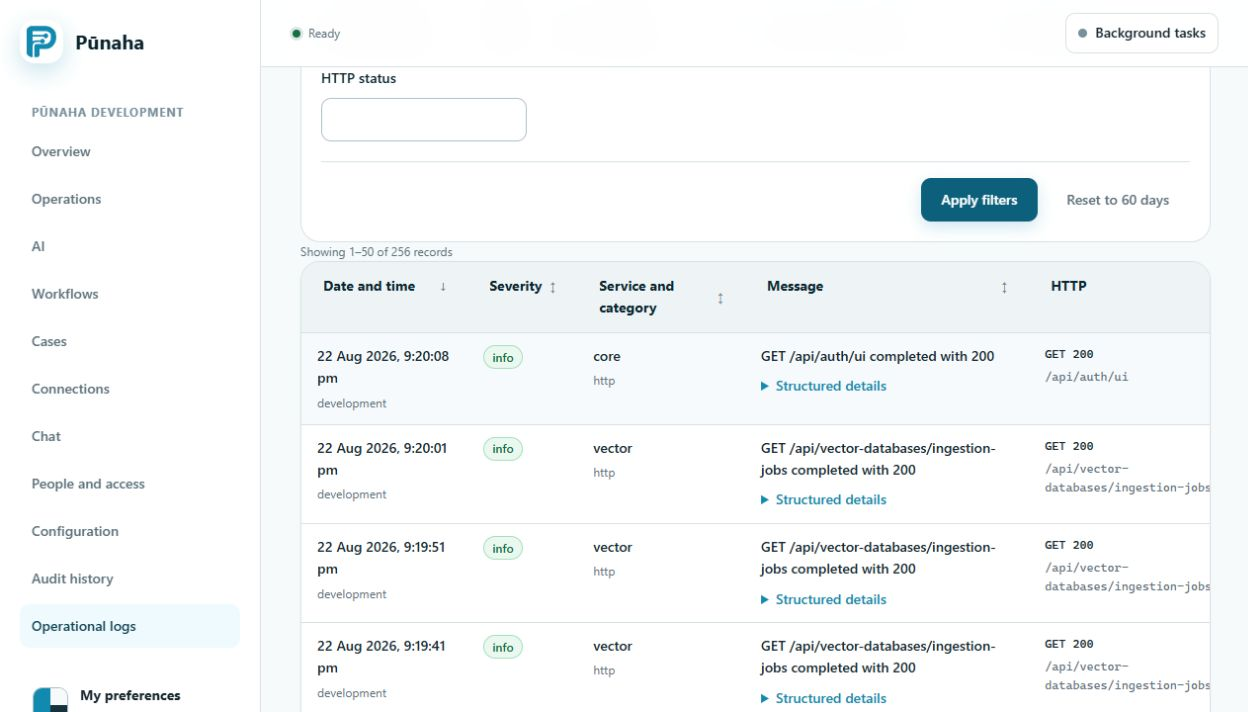
Search the logs
Open Operational logs.
Choose a short time range.
Enter the tenant and request, run, case, or item ID.
Read the events in time order.
Start with a small time range and one useful ID. Earlier development interface, captured 22 August 2026. Follow the current text for RC1. Open the full image.
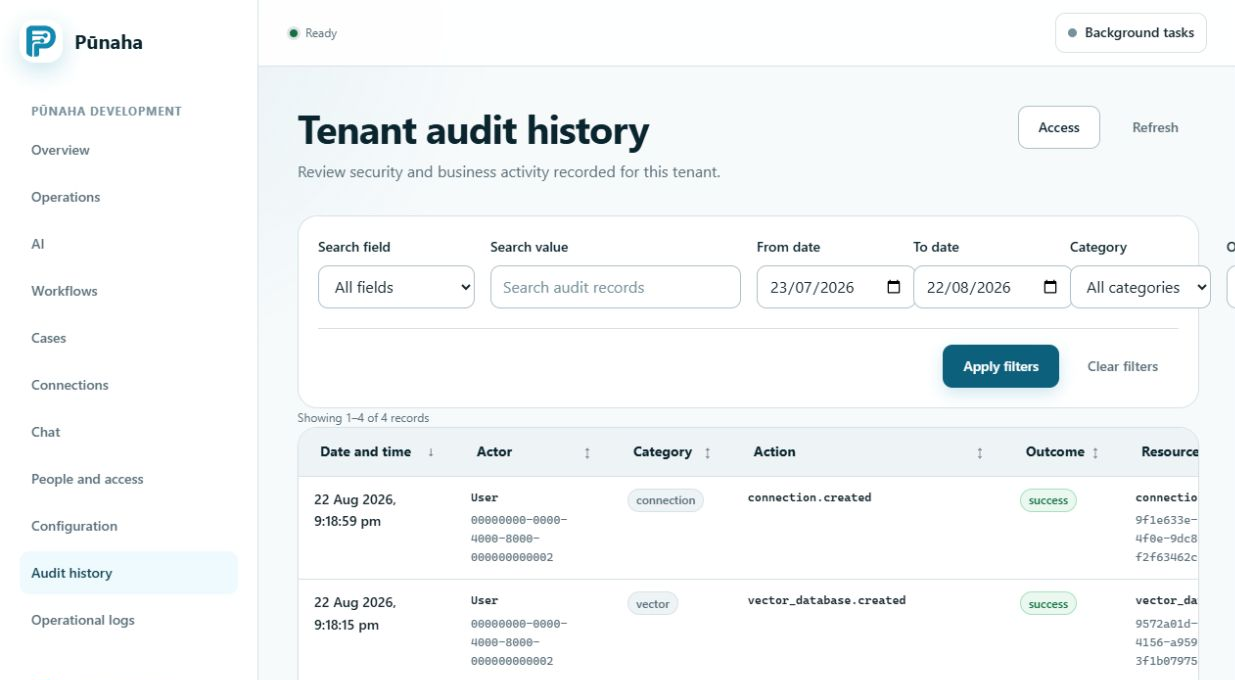
Check the audit record
Use Audit history when you need to know who changed access, settings, or another important item.
Audit history can be filtered by action, result, person, resource, and request ID. Earlier development interface, captured 22 August 2026. Follow the current text for RC1. Open the full image.
Protect exported records
Logs and audit records may contain personal or security information. Follow your organisation's rules for access, storage, and sharing.
Do not add passwords or secret keys to a support file.
Was this page helpful?
Your answer helps us improve the documentation.
Do not include personal information, customer information, passwords, or keys.