
Operate
Check service health
Use the health checks to decide when a server can receive work.
Use the two health checks
/health/livetells you that the program is running./health/readytells you that the program is ready to receive work.
Use Ready for traffic
A server can be running but not ready. It may still need a database, an update, or an AI service.
Set the load balancer to use the Ready check.
Know the healthy result
Live should succeed for each running process. Ready should succeed only when the service can accept its normal work.
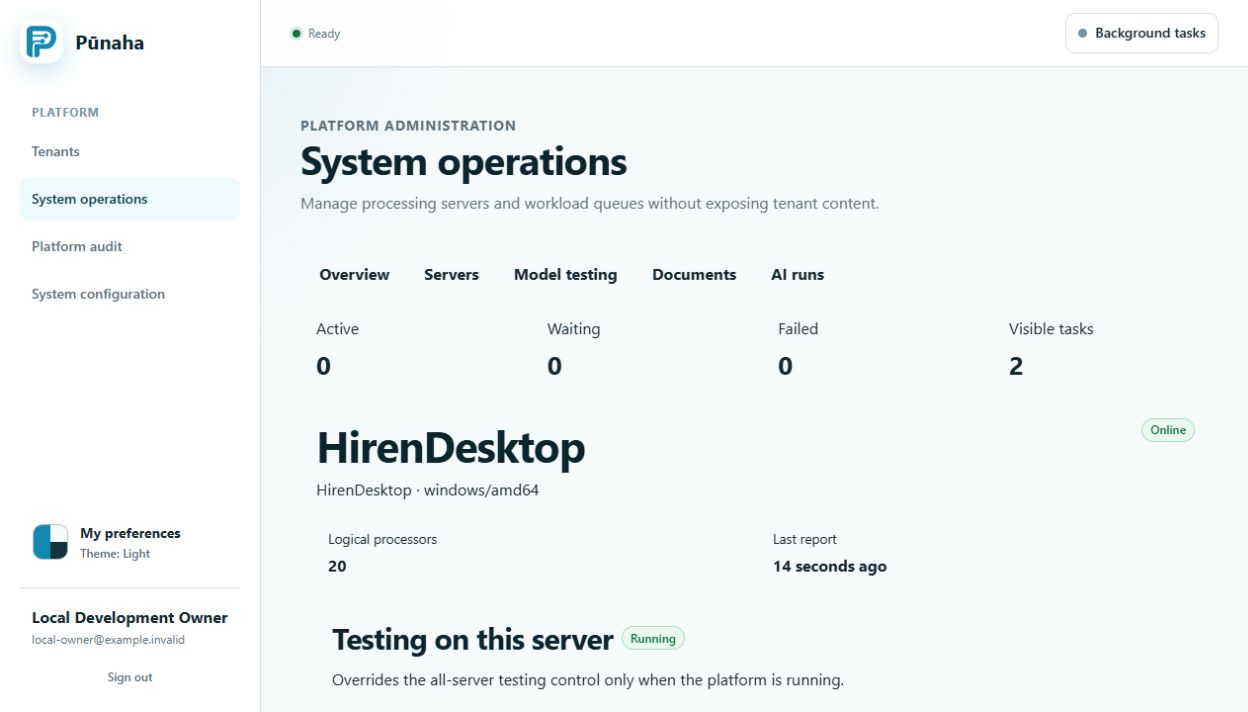
System operations should show the expected servers as ready. New test work should leave the queue and reach a final state.
Protect the AI service
Only Workflow servers and trusted administrator networks should reach the private AI service.
Retry with care
Retry a request only when the connection failed or the error says it is safe. Do not repeat every model request automatically.
If a service is not ready
Keep it out of normal traffic. Follow Fix service readiness and storage problems.
Was this page helpful?
Your answer helps us improve the documentation.
Do not include personal information, customer information, passwords, or keys.