
Administer
Invite a person and give access
Invite one person, give the required access, and check the final result.
Your progress
Follow this journey
Progress is saved only in this browser.
Before you start
Check the tenant name. Confirm the person's email address and sign in method.
Write down the exact product area, item, and actions they need. Decide whether the access needs an end date.
Send the invitation
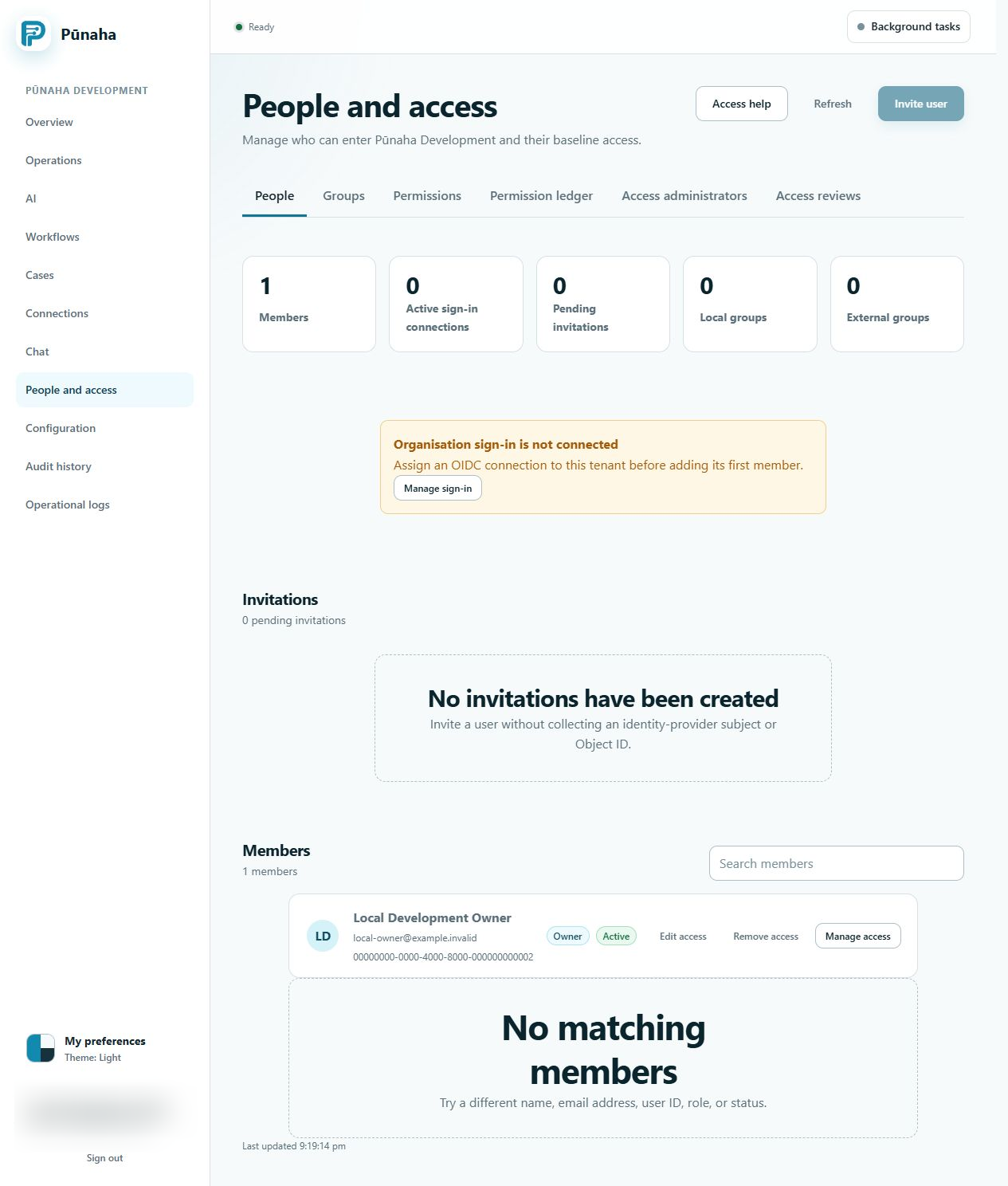
- Open People and access.
- Choose Invite user.
- Enter the person's correct email address.
- Choose the correct sign in Connection.
- Review the details.
- Send the invitation.
Ask the person to accept
The person should open the invitation and check the tenant, email address, sign in Connection, and expiry time.
They must continue with the account that matches the invitation. After they finish, their membership should appear as active.
Give the required access
- Open Permissions.
- Select the person.
- Choose Add access.
- Choose the product area and item type.
- Choose a named item when possible.
- Add each required action.
- Set the start and end dates when needed.
- Review the access and save it.
Check the result
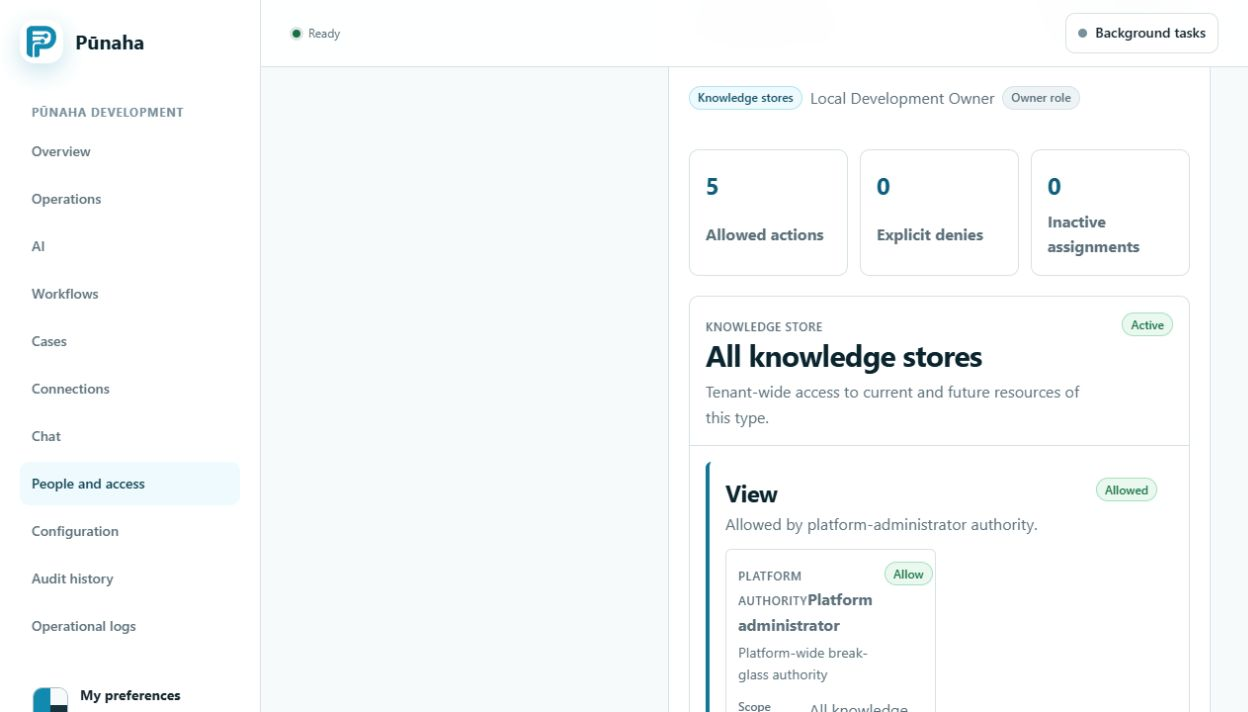
- Keep the person selected in Permissions.
- Open Check access.
- Choose the exact item type, named item, and action.
- Run the check.
- Check one action that should be allowed.
- Check one action that should stay unavailable.
The result should explain the final Allow or Deny and the access that caused it.
If it does not work
- An expired, used, revoked, or incorrect invitation cannot be accepted. Send a new invitation only after you check the cause.
- A person must use the account named by the invitation.
- View does not include Search, Run, Create, Update, Work, Publish, or Delete.
- A Deny can block an Allow.
- Another group or direct assignment may also affect the result.
Next step
Read Manage people and groups for shared access. Use Fix an access problem when the final result is not what you expected.
Was this page helpful?
Your answer helps us improve the documentation.
Do not include personal information, customer information, passwords, or keys.