
Build solutions
Choose workflow steps
Choose the right step for input, AI, rules, connections, approval, and output.
Open a workflow
Open the workflow draft, then add the step that matches the work.
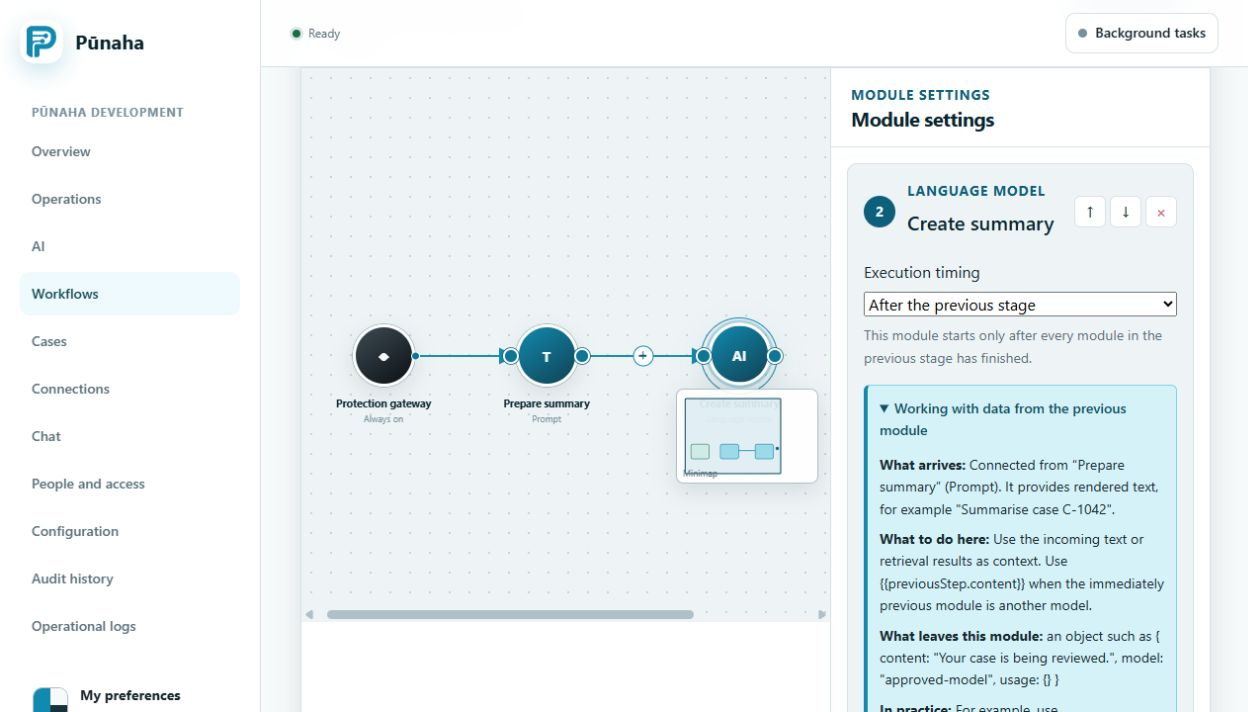
Main steps
| Step | Use it for |
|---|---|
| Input | Information needed to start |
| Prompt | Instructions and context for a model |
| Retrieval | Search in a knowledge database |
| LLM | Ask an approved language model |
| SQL | Use an approved database Connection |
| REST | Call an approved web API |
| Web search | Use the configured web search service |
| Condition | Choose a path from a clear rule |
| Approval | Wait for a person to decide |
| Merge | Bring results from several paths together |
| Output | Return the final result |
Choose the simplest step
Use a clear rule when a rule can do the job. Use an AI model only when the task needs it.
Add an approval before an important action that needs a person's decision.
Was this page helpful?
Your answer helps us improve the documentation.
Do not include personal information, customer information, passwords, or keys.