
Reference
Fix log, backup, and restore problems
Find missing investigation records and check an incomplete backup or restore.
Start with what you see
Choose the closest problem
Select one symptom. You will still check the evidence before changing anything.
What you see
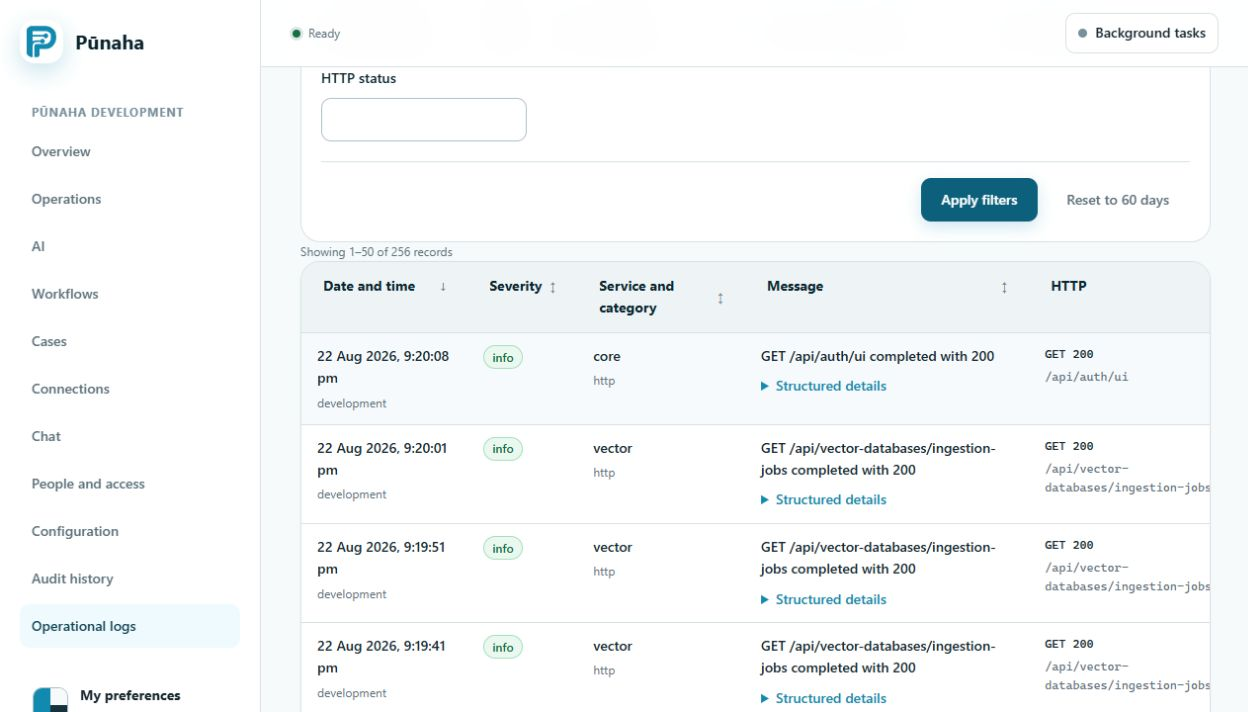
- A log or audit search returns no matching record.
- A backup is missing one database or file store.
- A restored system starts but workflows, cases, knowledge, models, or records are missing.
- One restored service is not ready.
What it means
Log and audit searches depend on the tenant, time, filters, destination, and access. A complete Pūnaha recovery needs related databases and file data from one release checkpoint.
A process starting does not prove that its restored data is complete or consistent.
Likely causes
- The search uses the wrong tenant, time range, time zone, ID, or record type.
- The person lacks access to the record.
- The log destination changed or was unavailable.
- Control, Workflow, and AI databases were backed up at different points.
- Document, model, knowledge, runtime, or log files were left out.
- The product or database versions do not match the recorded checkpoint.
Safe checks
- Confirm whether you need an operational log or an audit record.
- Use the correct tenant and a short time range around the event.
- Search with one request, run, job, case, or item ID.
- Check access and the configured log destination.
- Compare the backup contents with the approved backup list.
- Confirm the recorded product version and all three database versions.
- Test the restore on a separate system.
- Check sign in, access, workflows, cases, knowledge, models, audit, and service readiness.
Solutions
- Correct the search filters or access when the record exists.
- Restore the approved log destination when it is unavailable.
- Create a new complete checkpoint when the backup is inconsistent.
- Repeat the test restore from a verified complete checkpoint.
- Follow the approved recovery process when a required store is missing.
- Do not place an unverified restored system into production traffic.
What to collect
Collect the product version, database versions, backup time, restore time, store names, service states, safe record counts, failed check, request ID, and visible message.
Do not collect database dumps, passwords, keys, tokens, customer files, or exported logs in an ordinary support message.
Related guides
Read Use logs and audit records, Plan storage and backups, and Investigate a problem.
Was this page helpful?
Your answer helps us improve the documentation.
Do not include personal information, customer information, passwords, or keys.