
Administer
Understand administration responsibilities
Separate platform, tenant, access, solution, and operating responsibilities.
Use clear responsibility boundaries
Your organisation decides who fills each role. Keep the roles separate enough for important changes to be reviewed.
| Responsibility | Main work | Boundary |
|---|---|---|
| Platform administrator | Creates tenants and manages settings that affect the installation. | Does not need access to every tenant item. |
| Tenant administrator | Manages people, groups, sign in Connections, tenant settings, and tenant resources. | Works inside the selected tenant. |
| Access administrator | Gives, explains, reviews, and removes allowed access. | Can act only within the authority they were given. |
| Solution owner | Approves the purpose, information, and behaviour of workflows, cases, and knowledge. | Does not manage the underlying service unless separately appointed. |
| Platform operator | Checks services, databases, storage, jobs, logs, backups, and restores. | Does not change product access to hide an operating problem. |
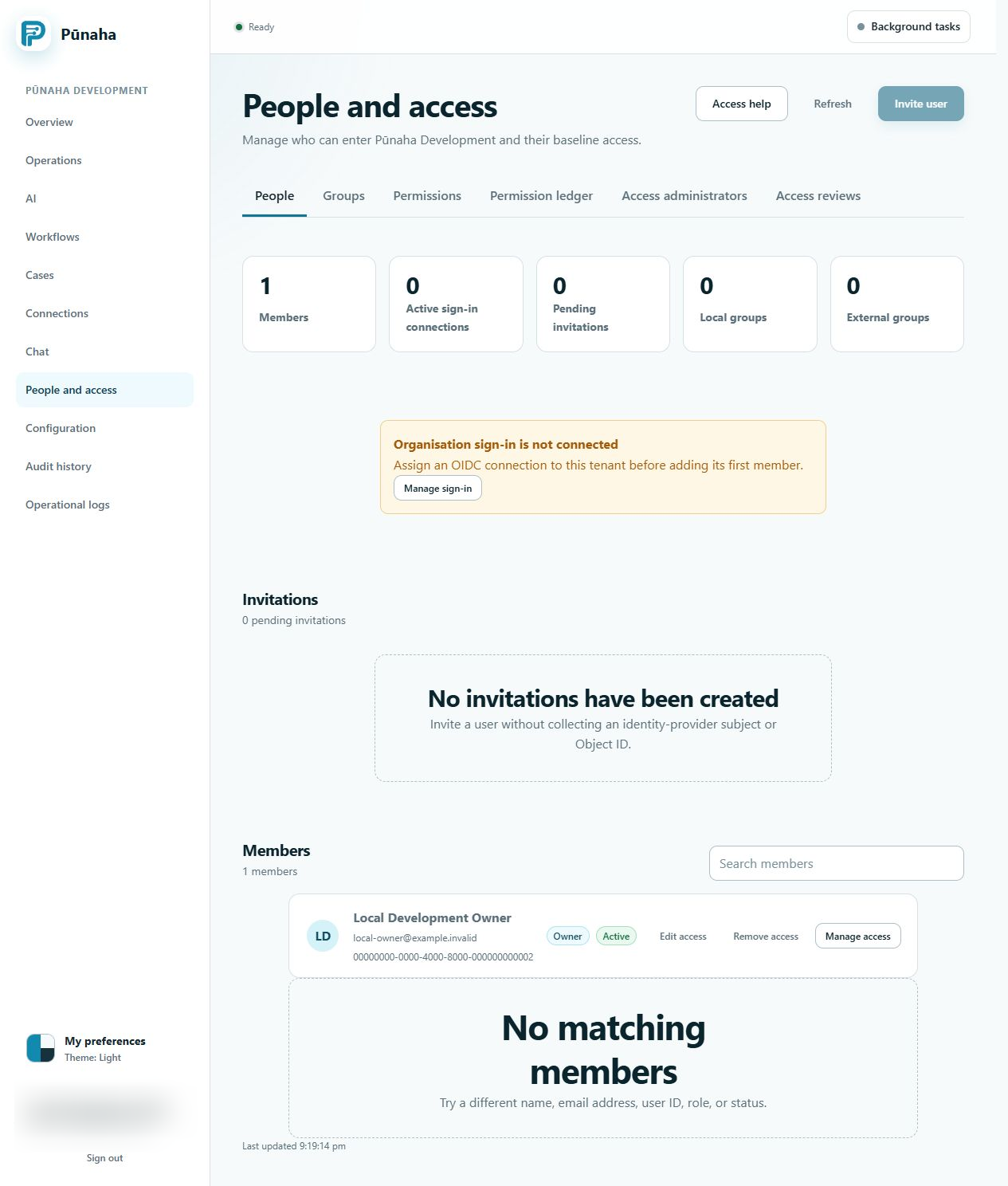
Check the scope before a change
- Confirm whether the change is for the platform or one tenant.
- Confirm the named person who owns the result.
- Confirm who can approve the change.
- Confirm who will make it.
- Confirm who will check the result.
Keep product access separate from administration
Permission to manage access does not automatically give permission to use an item. Permission to operate a service does not automatically give access to customer work.
Use a handover record
Record the tenant, approved purpose, affected items, person making the change, checker, time, result, and request or audit ID. Do not place passwords, keys, tokens, or customer data in this record.
Related tasks
Read Manage tenants, Review access, and Make a safe production change.
Was this page helpful?
Your answer helps us improve the documentation.
Do not include personal information, customer information, passwords, or keys.