Give people and services the exact access they need.
Applies to
Next (0.1 RC1 Preview)
Product revision
25748655d6be
Audience
Access administrators
Source reviewed
Open Permissions
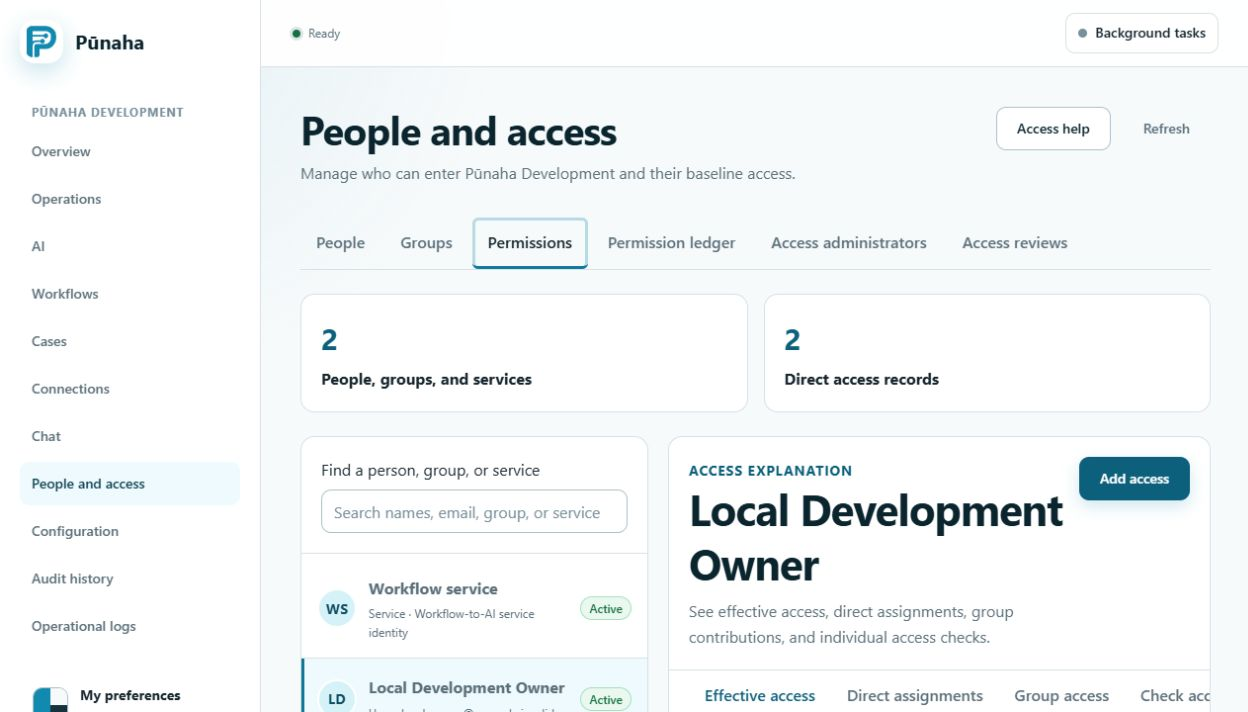
Open People and access. Then choose Permissions.
Choose a person, group, or service before you add access. Earlier development interface, captured 22 August 2026. Follow the current text for RC1. Open the full image.
Give access
Choose a person, group, or service.
Choose the product area.
Choose the type of item.
Choose the named item when possible.
Choose each action the person needs.
Set a start date and an end date if needed.
Save the access.
Actions are separate
View does not include Search, Run, Create, Update, Work, Publish, or Delete. Add each action that is needed.
Use the smallest access
Choose one named case, model, or knowledge database when you can. Avoid access to all items unless the person truly needs it.
Review access
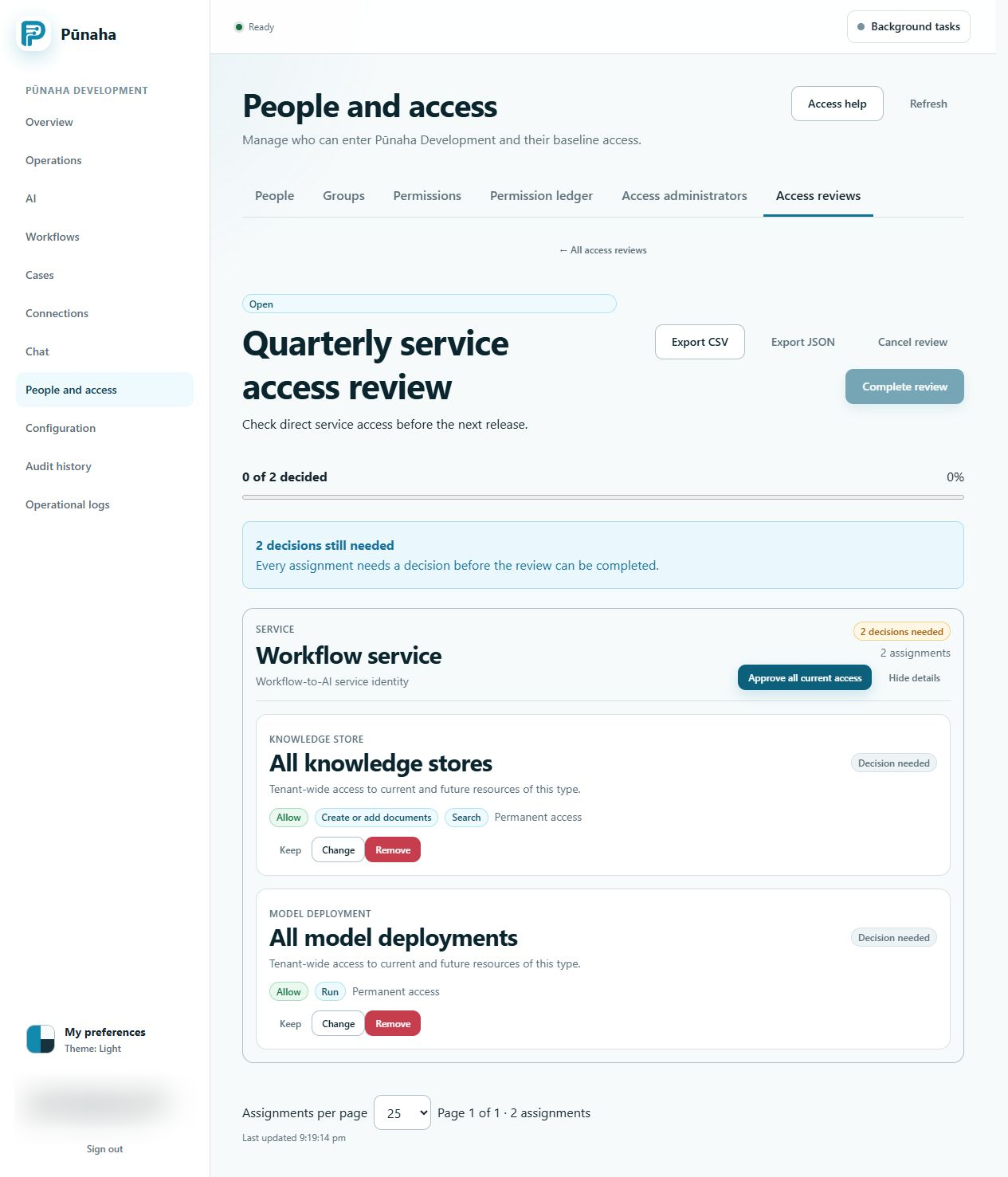
Use Access reviews to check old or wide access. Record whether to keep, change, or remove each item.
Finish every open item before you complete an access review. Earlier development interface, captured 22 August 2026. Follow the current text for RC1. Open the full image.
Was this page helpful?
Your answer helps us improve the documentation.
Do not include personal information, customer information, passwords, or keys.